
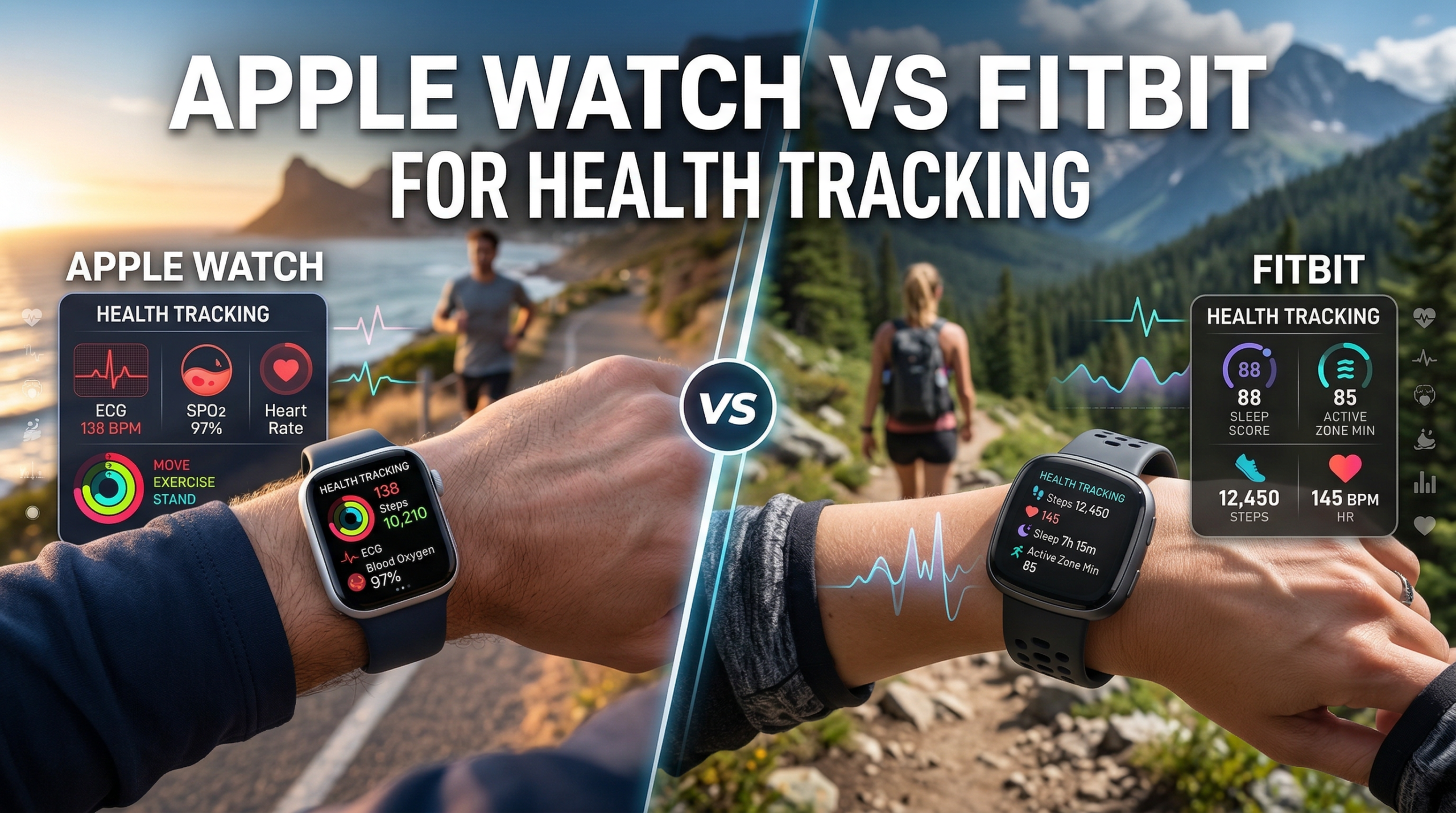
Apple Watch Vs Fitbit For Health Tracking is our topic for this blog post. If you’re sitting on the fence about getting a smart wearable for health and fitness, you probably noticed that Apple Watch and Fitbit both come up a lot. Each offers health tracking but with its own approach, apps, and vibe. Apple Watch is known for its deep integration with iPhones, a stylish design, and a whole range of health features. Fitbit, meanwhile, is all about simple, practical wellness tracking and tends to have longer battery life with a more fitness focused style.
If you want to choose a device that fits your health tracking needs and general lifestyle, we’ll walk through what each one offers. I’ll break down tracking accuracy, features, app support, battery life, ecosystem stuff, and a few other factors you’ll want to know before making that investment.
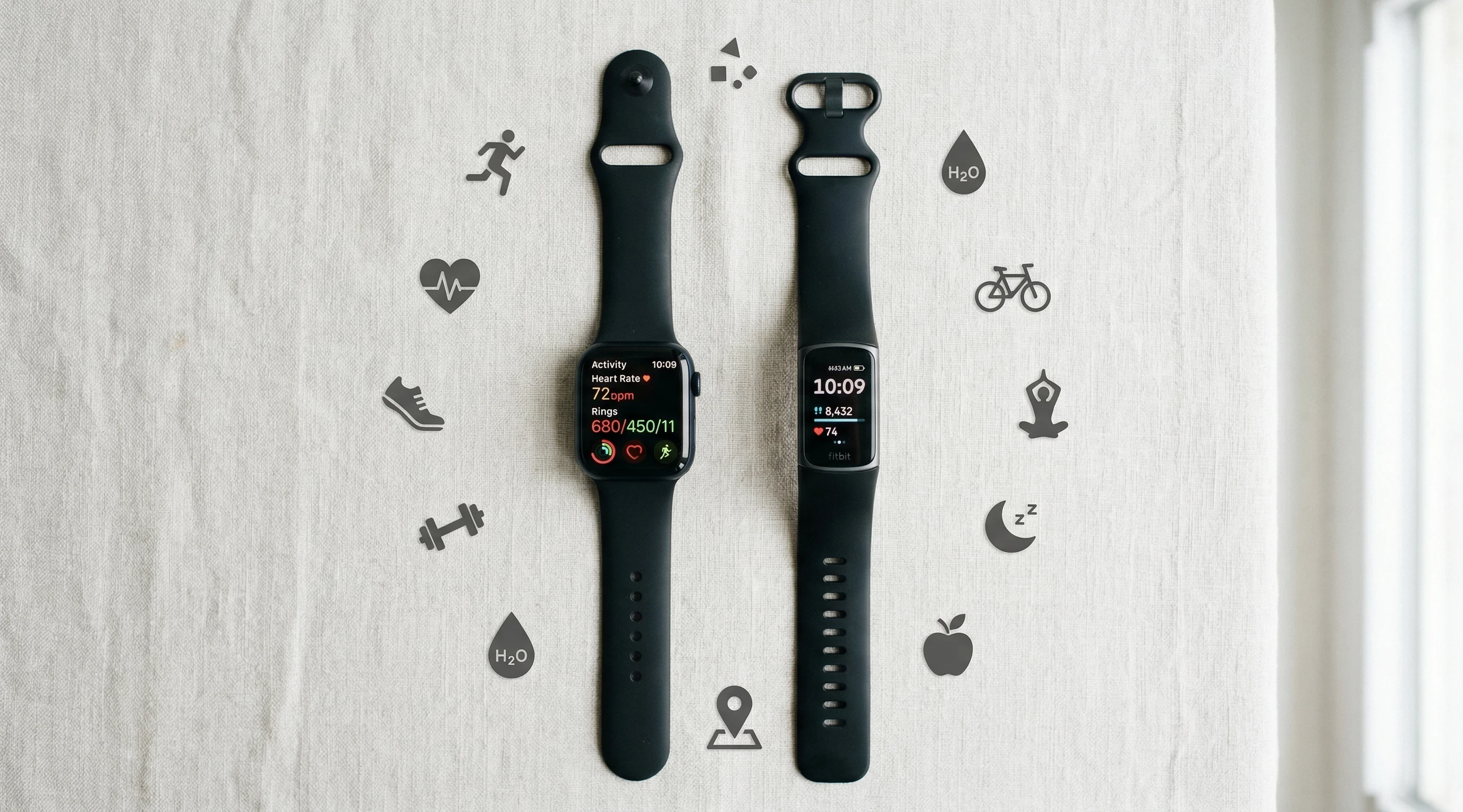
Meet the Competitors
What is the Apple Watch?
The Apple Watch is a smart wearable made to work best with iPhones. It tracks everything from steps and heart rate to sleep, ECG, blood oxygen, and even temperature. Apple’s idea is to provide a seamless health experience alongside notifications, payments, and a full range of smart features, all built into a watch design you can personalize.
Who Is the Apple Watch Good For?
- You’re already an iPhone user
- You want deep integration of wellness, exercise, and productivity apps
- You like notifications, music, payments, and lots of extras on your wrist
- You’re interested in advanced health features (like ECG and irregular heart rhythm alerts)
Apple Watch: Pros and Cons
Pros:
- Tracks a huge range of health metrics, including ECG and blood oxygen
- Beautiful display and tons of watch faces or band styles
- Works seamlessly with iPhone and Apple Health
- Supports apps for everything from mindfulness to music
Cons:
- Battery life is usually just one to two days
- Only works with iPhones (sorry Android users)
- Tends to cost more than competing fitness trackers
What is Fitbit?
Fitbit is a brand focused on tracking health and activity with simplicity and long battery life. Fitbit models range from affordable trackers packed with essentials such as step and sleep tracking to full featured smartwatches with built in GPS and extra sensors. Fitbit makes it easy to see trends in your activity, heart rate, and sleep with a user friendly dashboard and app.
Who Is Fitbit Good For?
- You want a dedicated health tracker with a clean, straight forward interface
- You’re focused on activity, sleep, and heart health
- Battery life matters more than smartwatch features
- You want compatibility with both iPhones and Android phones
Fitbit: Pros and Cons
Pros:
- Great battery life, usually anywhere from 4 to 7 days, sometimes more
- Compatible with both Android and iPhone
- Simple to use, lightweight, easy to wear all day and night
- Clear health trends and reminders in the Fitbit app
Cons:
- Fewer advanced smart features compared to Apple Watch
- Some features are locked behind Fitbit’s paid Premium service
- Physical design can be less stylish or premium, depending on the model
Overall Health Tracking Comparison
Comparing Key Health Tracking Features
- Step, Activity, and Workout Tracking
Both Apple Watch and Fitbit do a solid job counting your steps, measuring calories burned, and logging workouts. The Apple Watch Activity rings make fitness tracking a bit more visual and gamified, while Fitbit keeps things simple with clear goals and progress bars. Apple’s workout app is a bit more advanced with custom workouts, but Fitbit makes it effortless for everyday tracking. - Apple Watch: Automatic activity tracking, loads of workouts to pick from, on wrist coaching, GPS on board for outdoor runs and bikes.
Fitbit: Reliable step tracking, top notch sleep and activity trends, on device workouts for some models, built in GPS in higher end versions. - Heart Rate Monitoring
Both devices do all day heart rate monitoring. Fitbit focuses on showing heart rate zones for exercise and gives you a resting heart rate average. Apple Watch tracks heart rate during workouts but also checks for irregular rhythms and can warn you of unusually high or low rates.
Apple Watch: Features like ECG readings (on compatible models), irregular rhythm notifications, and high/low heart rate alerts. Really good for those who want quick access to their heart data.
Fitbit: Steady heart rate tracking with clear data on recovery and exertion. No ECG on most trackers, but a few smartwatches (like Sense series) do offer it. - Sleep Tracking
Fitbit has led the way in sleep tracking for a long time. Its algorithms break down sleep stages and give daily sleep scores, plus tips to improve your routine. The Apple Watch’s sleep tracking has caught up recently. It’s now pretty accurate, logs sleep trends, and you can see all your sleep stats in Apple Health.
Apple Watch: Detailed sleep log, winddown reminders, and integration with apps for more insight, but needs charging in the day since battery life is short when used for sleep.
Fitbit: Advanced sleep picking up on REM, light, and deep stages. Personalized insights and reliable sleep scores every morning. - Advanced Health Features
Apple Watch gives you extra sensors, so you get blood oxygen readings, ECG, temperature tracking, and fall detection. Some models even check background noise levels or map menstrual cycles. Fitbit, on newer Sense models, covers things like skin temperature, stress tracking, and ECG, but these features are limited to higher end models.
Apple Watch: ECG, blood oxygen, new temperature tracking, crash and fall detection, even irregular rhythm warnings.
Fitbit: Skin temperature trends, stress management, ECG (on Sense models), and high/low heart rate alerts. - App Support, Interface, and Extras
Apple Watch is basically like having a mini iPhone on your wrist. You can get notifications, reply to texts, control smart home stuff, listen to music, pay with Apple Pay, and run third party apps. Fitbit keeps things simple, focusing on fitness and health with just a handful of notification support and some music controls.
Apple Watch: Huge app selection, almost endless customization, tons of productivity, and communication features.
Fitbit: Simple notifications, music control, and third party fitness integrations, but not as many other apps.
Battery Life, Build, and Compatibility
Battery Life Comparison
Battery life is a huge difference. Apple Watch usually lasts about 1 to 2 days (less if you’re using GPS workouts or sleep tracking a lot), so you’ll need to get used to connecting it to the charger every night or two. Fitbit models regularly last between 4 and 7 days, and even a full blown Fitbit smartwatch can squeeze out 3 to 4 days, which is brilliant if you want to track sleep or are just forgetful about charging.
Build Quality and Style
Apple Watch has a bright display, glass and aluminium or steel body, and a fashionable array of bands for just about every style. Fitbit offers lightweight fitness tracker bands and smartwatches. Some, like the Fitbit Versa or Sense, look a bit like Apple’s design, but many are more minimal or sport focused. If you want to wear your device at work and at the gym without changing things up, the Apple Watch looks and acts more like a classic watch, but it’s a bit thicker.
Compatibility and Ecosystem
Apple Watch flat out needs an iPhone to set up and use. There’s no Android love here. Fitbit works with both Android and iOS, which is really helpful if you ever plan to switch phones or like flexibility. Plus, you can sync data with Google Fit too. Both sync with their own platforms, so Apple Watch taps into Apple Health and the Apple ecosystem, while Fitbit uses the Fitbit app and now Google integrations since Google owns it.
Apple Watch vs Fitbit for Health Tracking
Apple Watch Series
- Heart Rate Accuracy Excellent
- ECG Monitoring Yes
- Blood Oxygen Yes
- Sleep Tracking Good
- Battery Life 18–36 hours
- Best For Advanced health tracking
Fitbit Charge Series
- Heart Rate Accuracy Good
- ECG Monitoring No
- Blood Oxygen Yes
- Sleep Tracking Excellent
- Battery Life Up to 7 days
- Best For Everyday fitness tracking
Fitbit Sense Series
- Heart Rate Accuracy Very Good
- ECG Monitoring Yes
- Blood Oxygen Yes
- Sleep Tracking Excellent
- Battery Life 6+ days
- Best For Stress and health insights
Pricing and Long Term Value
Price Range
Apple Watch is on the pricey side, starting higher than most Fitbits and going all the way up if you want stainless steel or cellular models. Fitbit has an affordable range, from budget trackers up to smartwatches. Even a fully loaded Fitbit Sense costs less than a top Apple Watch.
Fitbit: $50 – $200
Apple Watch: $150 – $400
Premium Services
Both companies offer extra services. Apple Fitness Plus pairs with the Apple Watch for guided workouts. Fitbit has Fitbit Premium, which adds more sleep and health insights, mindfulness tools, and guided programs. Fitbit puts more key features behind its subscription, but Apple’s Fitness Plus is separate and optional.
User Experience and Reviews
- Apple Watch: Highly rated for a smooth day to day experience, tons of features, and deep iPhone integration. People mention battery life as a weak spot. Fans love pairing it with Apple’s fitness apps and games.
- Fitbit: Praised for its clean approach to tracking, excellent battery life, and focus on health basics. Sometimes users wish it offered more smartwatch like features and didn’t require Fitbit Premium for deeper data.
Overall Reputation: Both devices have loyal fans. Apple Watch feels like a mini computer that does health, while Fitbit is light, practical, and keeps distractions low. Either will track basic health data well, but which style you prefer comes down to how you want to interact with your tracker every day. If you want deep tech and integration, Apple Watch is the winner. For simple, reliable tracking that’s easy on battery, Fitbit takes the prize.
It’s also worth noting that both brands release regular software updates with new features and improvements, so whichever you pick will likely get better with time. Apple tends to extend watchOS compatibility on older models for a few years, while Fitbit offers updates on most devices but sometimes phases out support for oldest trackers sooner.
Community and motivation can be a big part of health tracking too. Apple Watch lets you challenge friends to close their Activity rings or compete in step streaks via the app. Fitbit has a vibrant user community where you can join wellness challenges, share results, and earn achievement badges. Which style of motivation you vibe with more could help you pick the best device.
Choosing What Fits Your Routine
Here’s how I break it down for anyone shopping smartwatches or health trackers:
Pick Apple Watch if you:
- Already use an iPhone and want deep integration
- Care about having the latest health tech (ECG, blood oxygen, fall detection)
- Like having full smartwatch features
- Don’t mind charging it every day
Pick Fitbit if you:
- Want a simple, reliable tracker that works on almost any phone
- Prioritize longer battery life
- Focus mainly on step counts, sleep, and activity
- Want something more affordable or lighter
Summary
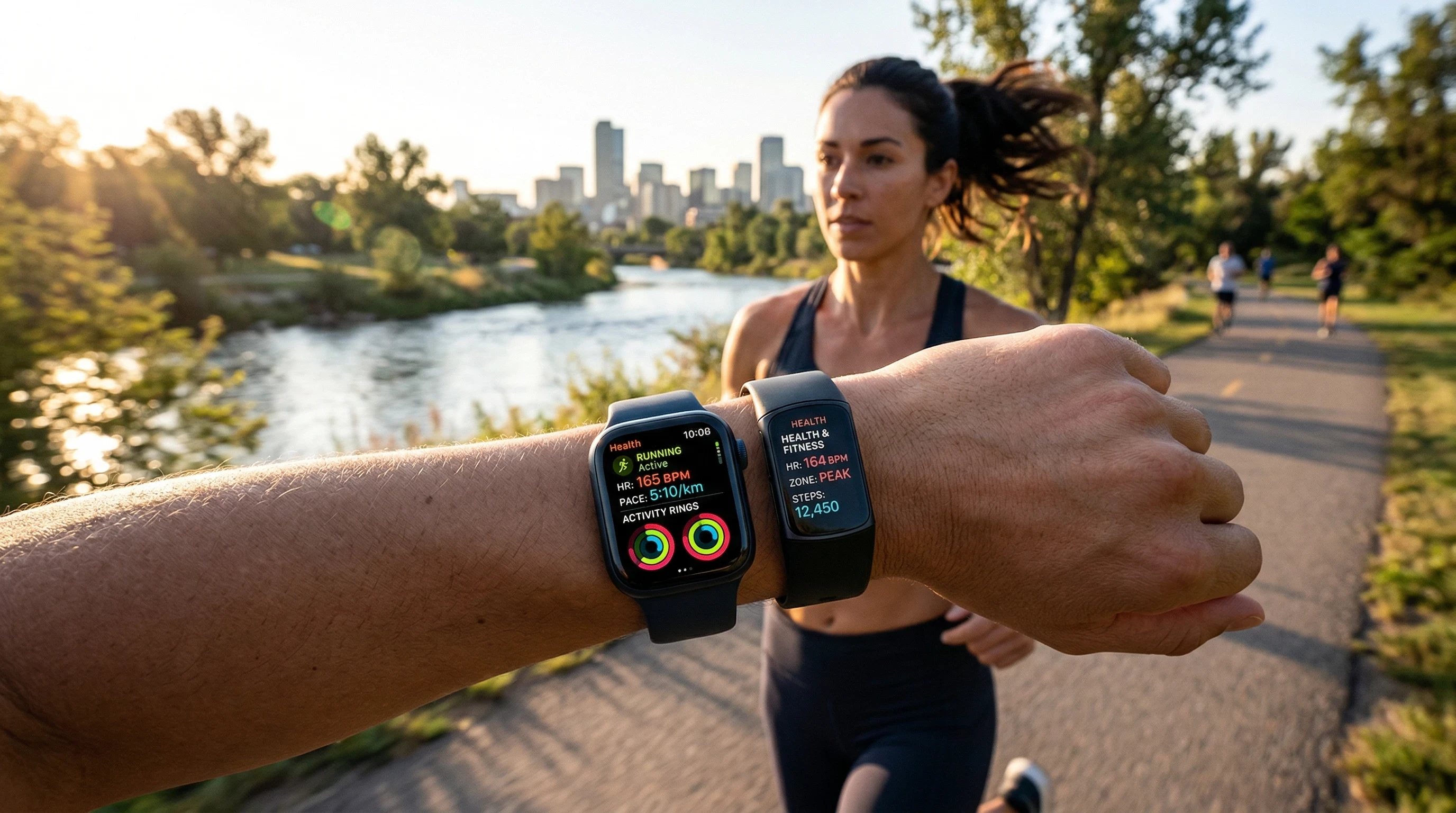
Both Apple Watch and Fitbit make wearable health tracking pretty convenient, but they go about it differently. The Apple Watch packs in just about everything you could want, but it’s really meant for iPhone users who want all the things on their wrist. Fitbit is friendly, practical, and lightweight, and it works for more people with less daily charging.
You really cannot go wrong with either for basic tracking, but picking the one that matches your lifestyle makes a big difference. If you’re someone who needs next level cool smart features and seamless iPhone sync, go with Apple. If what you want is reliable, stress free health tracking with top battery life, Fitbit just might be your best fit companion.
Which one is your go to for health tracking? Please feel free to share your thoughts or questions below!
Thanks
Thankyou so much for reading this comparison article Apple Watch Vs Fitbit For Health Tracking. For some extra reading, take a look at these related articles below:
**Here is a bit of transparency. Our website www.vertevia.com does contain affiliate links and Amazon links. So, if you did make a purchase through the website, we may receive a small commission. This is at no extra cost to you whatsoever. It’s just a way for you to support us as we continue to bring you top quality content**
All the best!
Eamon