
The subject for this article is How To Use A Smartwatch To Monitor Heart Rate Accurately. Smartwatches have totally changed how I keep track of my health. When I started using my wearable to monitor my heart rate, it was pretty eye opening to see real numbers right on my wrist. But if you want those numbers to be meaningful, you’ll need to use your smartwatch the right way.
Accurate heart rate tracking is especially important if you’re active, managing stress, or want a better picture of your overall health. Here’s our step by step guide for making sure you get the most reliable heart rate readings from your smartwatch every day.
Understanding Smartwatch Heart Rate Monitoring
Heart rate monitoring on smartwatches uses optical sensors, which read your pulse through small changes in blood flow underneath your skin. This technology, called photoplethysmography, has become a staple in most modern wearables like Apple Watch, Samsung Galaxy Watch, Garmin devices, and Fitbit.
Smartwatches collect heart rate data nearly continuously or at frequent intervals. The result is a stream of numbers that gives a pretty solid picture of how your heart is working throughout the day and night. While not medical grade, these devices are accurate enough to help you spot trends, recognize workout intensity, and watch for anything unusual. In some cases, your smartwatch may also alert you to an irregular rhythm or provide reminders to check your pulse during moments of stress, which is an extra benefit to keep in mind for peace of mind.
Key Steps to Accurate Heart Rate Monitoring
The way you wear your smartwatch and interact with its features really matters. I picked up a few habits and recommendations that help improve monitoring accuracy:
- Wear Placement: Place the watch above the wrist bone, snug but not too tight. Bouncing or slipping means you’re probably not getting a good reading.
- Skin Contact: Clean skin is important. Wipe sweat, dirt, or lotion off your wrist before putting the watch on for best results.
- Sensor Cleanliness: Check that the underside sensors stay clear of grime or skin build up.
- Indoor vs Outdoor Reading: Environmental factors like sunlight (especially direct UV) can interfere with optical sensors, so covering the watch or using it indoors can make readings more reliable.
- Limit Movement: For spot checking, hold your arm still to let the sensor “lock onto” your pulse.
Tweaking your daily routine just a little will help you avoid common mistakes that throw off your stats. For example, take a few moments to relax before checking your heart rate after climbing stairs, and allow the sensor to stabilize for a few seconds before you start reading.
Maximizing Your Smartwatch’s Features
Each smartwatch brand offers slightly different features for heart rate tracking. Here’s how to get more accurate stats from some popular models:
- Apple Watch: The “Heart Rate” app can take a spot reading or track automatically. You’ll also want to enable background heart rate tracking in the privacy settings. With the added benefit of notifications for irregular rhythms or high/low heart rates, you’ll more easily track important patterns over time.
- Garmin: Optical heart rate sensors can be fine tuned with the device’s heart rate settings. You’re able to turn on “Broadcast Heart Rate” for live syncing with gym equipment and other devices. Garmin also gives in depth reports through its app, making long term trend tracking easy.
- Samsung Galaxy Watch: Switch between “Frequent” and “Manual” mode depending on your needs. For workouts, the “High” setting takes more regular readings for better accuracy. The Samsung Health app allows you to review detailed graphs and track changes over months.
- Fitbit: The PurePulse sensor logs heart rate automatically, but you’ll get more consistency by ensuring the “continuous monitoring” option is on. Fitbit adds sleep insights and analytics, letting you see the links between your heart rate, sleep, and stress.
Firmware updates often add improvements, so keeping your smartwatch’s system up to date is really important if you want the newest features and bug fixes. Take a moment once a month to check for updates through the companion app on your phone.
Everyday Factors That Affect Heart Rate Readings
Several everyday things can throw off your smartwatch heart rate monitor. It helps to be aware of these so you know when readings might seem “off” or unexpected:
- Wrist Tattoos: Ink and certain pigments can affect the sensor’s light and disrupt readings.
- Body Temperature: Extreme cold or sweating can both give erratic results. If you’ve just come in from outside or finished a hot shower, give your body a moment to normalize before checking your rate.
- Motion: Intense exercise, or swinging your arm a lot, makes it harder for your watch to lock onto your pulse.
- Loose or Hairy Skin: The sensor needs good skin contact; thick wrist hair can sometimes cause gaps. Shaving a small area can help if you find repeated problems.
- Hydration and Circulation: Low hydration or poor circulation sometimes makes it tricky for optical sensors to pick up a strong signal. Take breaks to drink water during the day, especially if your readings seem inconsistent.
If you have issues with inaccurate readings, try wearing the watch on the other wrist, or during quieter parts of the day to compare. These adjustments often help you get more reliable measurements. You may also want to experiment with different band materials or styles for better fit and comfort, as this makes a subtle but noticeable difference in the readings.
Using Heart Rate Data For Health and Fitness
Once you’re set up, a smartwatch delivers a bunch of insights that go way beyond just seeing your current pulse. I regularly use mine for tracking exercise intensity, managing daily stress, and even getting feedback about my sleep. Plus, some devices now add breathing rate and blood oxygen info; these extras give a broader view of your overall wellness and help you track changes week by week.
- Exercise: Real time heart rate zones help you keep workouts effective. Knowing when you’re in a fat burning or cardio zone lets you make the most of training sessions and avoid overdoing it.
- Resting Heart Rate: Watching your resting heart rate over time can reveal improvements in fitness or early signs of illness. For instance, a sudden jump in resting rate could signal you need more rest or a doctor’s check up.
- Stress Monitoring: Many smartwatches use heart rate along with other signals to estimate daily stress levels. This can be really helpful for reminding you to take a break or try breathing exercises if things are getting hectic.
- Sleep Insights: Overnight heart rate trends point to how well your body recovers and can highlight sleep disruptions. Use this data to tweak your nightly routine or spot patterns that affect recovery and energy.
Connecting your device to a companion app on your phone unlocks a ton of additional analysis, so syncing your data every few days is totally worth it. Many apps let you export your stats or share with a coach or healthcare provider for advice tailored to your goals.
Common Challenges and How To Tackle Them
I’ve run into some bumps with smartwatch heart tracking, but most problems are solved with a few easy fixes:
- False Highs or Lows: Don’t panic if you see an outlier. Check for movement or loose straps and try again. Environmental noise can occasionally mess with sensors, so retesting after a few moments often solves these glitches.
- Inconsistent Workout Data: Start your session a minute before you begin moving, and stop it a minute after to let your heart rate stabilize for better averaging.
- Charging and Wear Time: Set a charging routine, like powering up while you shower, so you’re not missing important data segments. It’s often best to avoid waiting until the battery drops below 10 percent, as some watches limit sensor accuracy to save power at low battery.
- Skin Irritation: If you notice redness, switch wrists and clean both your skin and the band regularly to prevent problems. Choosing a band that breathes and avoiding too tight a fit helps your skin stay happy in the long run.
Regular care and a little bit of patience goes a long way toward dependably useful tracking. Over time, you’ll get a sense of your normal numbers and know when it’s worth a second reading or a call to your doctor.
More Useful Tips For Long Term Success
Getting accurate data isn’t just about the tech but also your overall health habits. Here are some things I do for even better results:
- Keep a routine: Wear your watch at the same time day to day (like during morning walks or sleep) for more consistent trendlines. This consistency helps you track subtle changes and make smart adjustments.
- Hydrate and recover: Drinking enough water and building rest days into your schedule keeps your cardiovascular system happy, and it’s easier to get good readings.
- Review weekly trends: Weekly averages often tell more than single readings, especially if you want to see how habits are changing your health over time.
- Use smartphone notifications: Set gentle reminders to check your heart rate during key times, such as after workouts or before bed. This makes it easy to build a routine and check your progress.
Using these strategies, I find my smartwatch provides a really reliable look into what’s going on with my heart, whether I’m training hard or just keeping tabs on overall wellness. If you’re ever unsure, pair smartwatch readings with manual pulse checks every now and then for extra confidence in your data.
1. Wear It Correctly
- Position the watch 1–2 finger widths above your wrist bone.
- Ensure it fits snugly without restricting circulation.
- Avoid wearing it too loose during workouts.
2. Enable Continuous Heart Rate Tracking
- Turn on 24/7 heart rate monitoring in settings.
- Keep software and firmware updated.
- Allow health permissions in companion apps.
3. Minimise Movement During Spot Checks
- Keep your arm relaxed and steady.
- Avoid talking or clenching your fist.
- Measure at heart level for better accuracy.
4. Reduce Sensor Interference
- Keep the sensor area clean and dry.
- Avoid direct sunlight on the sensor.
- Remove lotions that may block light detection.
5. Validate With A Medical Device
- Compare readings with a chest strap monitor.
- Cross-check with a blood pressure monitor.
- Track trends over time rather than single readings.
8 Frequently Asked Questions
Here are some questions a lot of people ask about using smartwatches for accurate heart rate readings:
Q1: Why does my smartwatch show different heart rates than manual checks?
Answer: Smartwatches use optical sensors, which read changes in blood flow. Sometimes the sensor might miss a beat if the watch is loose or if you’re moving, while manual checks using your fingers might catch a more stable reading at rest. Wearing your watch snugly and holding your arm still improves consistency.
Q2: Is a smartwatch reliable for detecting heart problems?
Answer: Smartwatches track basic heart rate trends, which can help you spot unusual patterns. For medical concerns, always consult a doctor, since watches aren’t a replacement for professional equipment.
Q3: Can tattoos affect heart rate tracking?
Answer: Yes, tattoos, especially dark ink or dense designs, can block the sensor’s light from reading your pulse accurately. Try the opposite wrist or an area without ink for better results.
Q4: How do I know if my heart rate reading is accurate?
Answer: Consistent numbers across multiple checks, and feeling the right pulse zone during exercise, are good signs. Checking your pulse manually for comparison also helps confirm accuracy.
Q5: Should I wear my watch all night for sleep heart rate?
Answer: Most watches work well at night, as long as you’re comfortable. Loose straps or shifting during sleep can affect results, so adjust your band before bed for a gentle but secure fit.
Q6: What’s the best way to clean my smartwatch sensors?
Answer: Gently wipe the sensors with a soft, damp cloth. Avoid soaps, chemicals, or abrasive materials to keep sensors working well and skin happy.
Q7: How often should I recalibrate my smartwatch for heart rate?
Answer: Most smartwatches don’t let you recalibrate the sensor directly, but you can spot check it by comparing to manual readings or a chest strap monitor to confirm accuracy every couple of weeks.
Q8: Why does my heart rate spike during exercise even when I don’t feel winded?
Answer: Your heart rate can climb before you notice exertion, or due to excitement or warm ups. Movement also throws off sensors sometimes, so double check your strap fit when readings seem off.
Summary
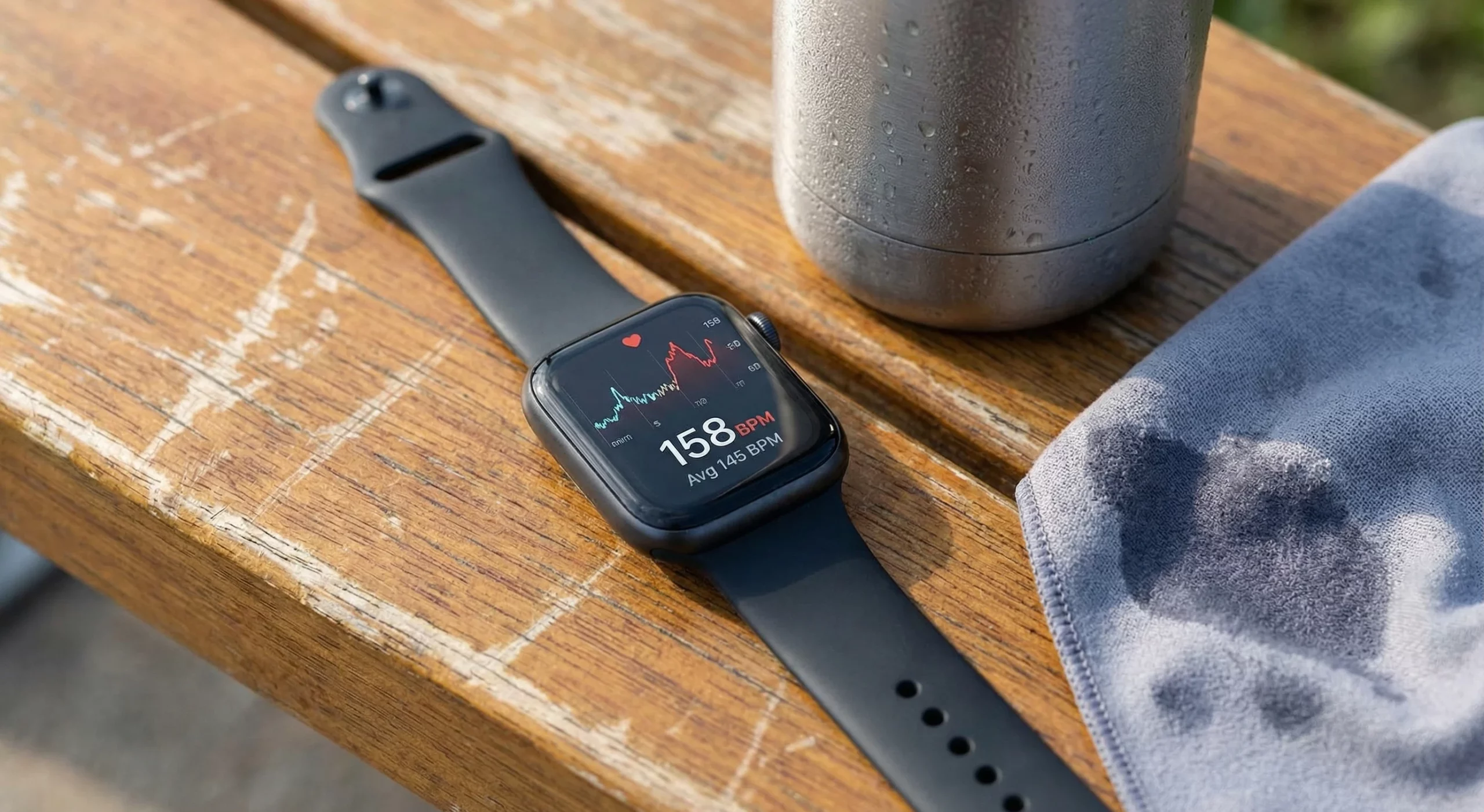
Wearing your smartwatch correctly and understanding its features make a big difference for tracking your heart rate. I find paying attention to fit, cleanliness, and everyday routines helps ensure these smart little gadgets deliver reliable, useful data. With a bit of trial and error, you’ll be able to trust your heart rate readings to better guide your health and activity choices, right from your wrist.
Many Thanks!
Many thanks for reading this article on How To Use A Smartwatch To Monitor Heart Rate Accurately. We hope that it has provided value and helped you to make an informed purchase decision for your next heart rate monitor smartwatch. For some extra reading on this topic, take a look at these related articles:
Best 6 Heart Rate Monitor Watches
Best 7 Heart Rate Monitor Chest Straps
Top 4 Heart Rate Monitors For Seniors
Smartwatch Vs Chest Strap: Heart Rate Monitor Accuracy
Please let us know in the comments which brand and type of heart rate monitor watch or other device you are currently using or plan to buy in the future!
**Here is a bit of transparency. Our website www.vertevia.com does contain affiliate links and Amazon links. So, if you did make a purchase through the website, we may receive a small commission. This is at no extra cost to you whatsoever. It’s just a way for you to support us as we continue to bring you top quality content**
All the best!
Eamon