
Welcome back to all of our readers. This blog post is titled How To Interpret Sleep Tracking Results On Smart Wearables. Sleep tracking on smart wearables has exploded in popularity lately. If you’ve got a smartwatch or fitness band, you’re probably curious about those graphs and numbers that pop up after a night’s rest.
Understanding what those stats really mean can help you spot patterns, tweak your bedtime routine, and feel more in control of your wellbeing. Here’s how I break down sleep tracking results, and what you should pay attention to if you want them to actually make a difference for your everyday energy.
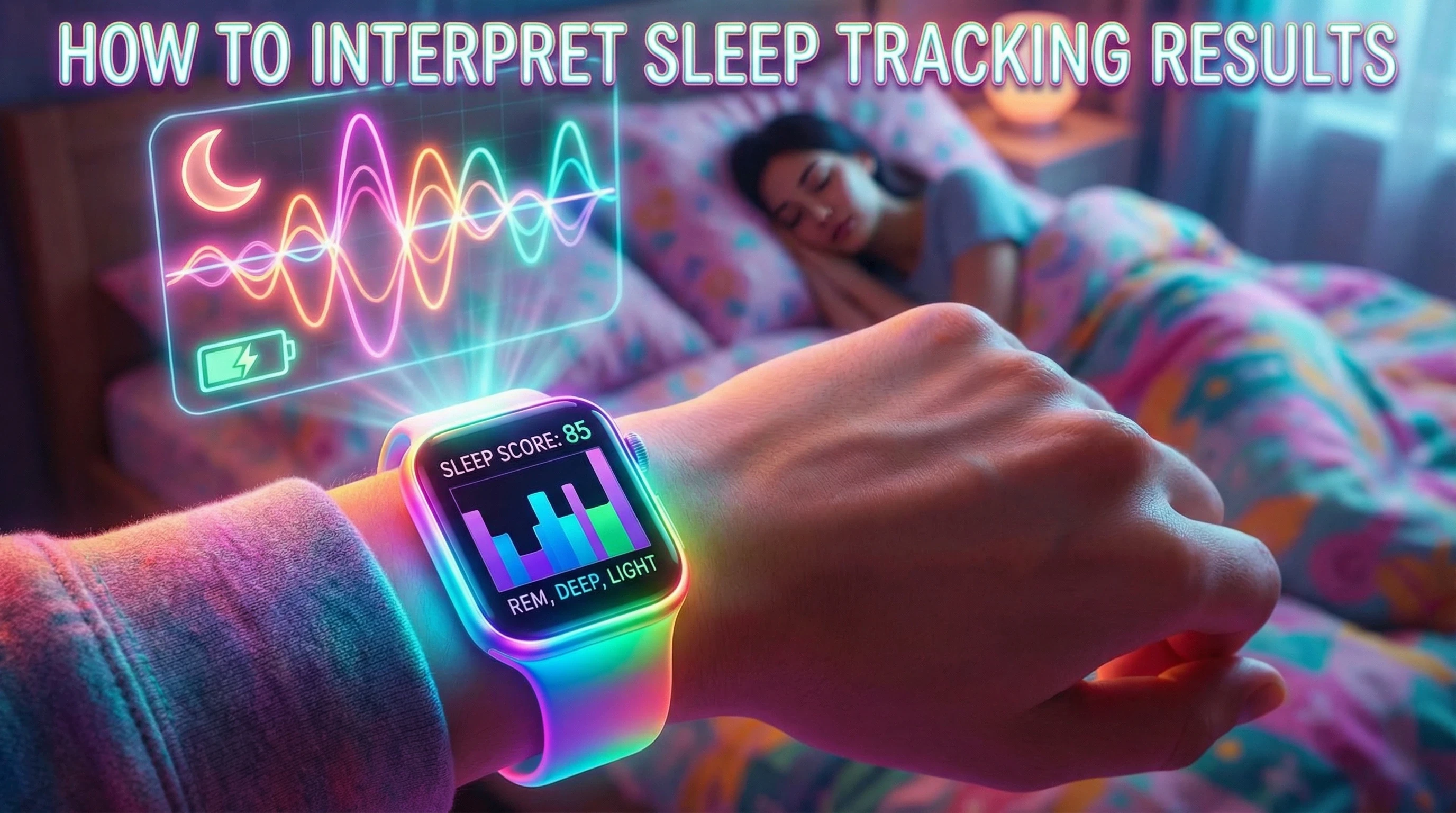
What Does Sleep Tracking Actually Measure?
Most smart wearables with sleep tracking check a few main things. The popular models use motion sensors (sometimes called accelerometers), heart rate sensors, and sometimes even blood oxygen monitors. With these tools, the device can estimate:
- Total sleep time: How long you were actually asleep, not just lying in bed.
- Sleep stages: How your night divides up into light, deep, and REM sleep.
- Sleep quality: Things like restlessness, waking up in the night, and time spent awake.
- Sleep schedule consistency: How much your bedtime and wake up times move around.
If you check your wearable’s app in the morning, you’ll usually see a graph, a sleep score, and sometimes extra stats like your lowest heart rate or blood oxygen details. Some models even track temperature variation, skin response, or add on a “recovery” score, so there’s always more to dig into as you get used to the app’s features.
Breaking Down Sleep Stages: Light, Deep, and REM
Wearables typically split your sleep into three main phases. Here’s how I understand each one:
- Light sleep: This is where your body is winding down or getting ready to wake up. You spend a lot of your night in this stage. It’s not as restorative, but it’s still useful because it helps your brain sort information and gear up for REM or deep sleep.
- Deep sleep: This is when your body does most of its physical repair work. Think tissue growth and immune support. You want a decent chunk of deep sleep, since it makes you feel well-rested in the morning.
- REM sleep: This is when your brain is super active. This stage is linked to dreaming, memory, and emotional health. Getting enough REM can help you tackle stress and remember things better.
Everyone’s sleep pattern is a little different, but most adults cycle through these stages several times each night. If your graph looks like a rollercoaster, bouncing between light, deep, and REM, that’s totally normal. Over time, you might notice if you consistently lack deep or REM sleep, and that’s worth paying attention to. Tracking these cycles is especially helpful if you’re addressing fatigue, memory lapses, or trouble focusing.
What’s a “Good” Sleep Score?
Each big wearable brand has its own method for calculating your sleep score. Usually, they combine your sleep duration, sleep stages, interruptions, and sometimes even your heart rate or movement. Here’s how to think about your score:
- Score over 80: Usually means you got enough sleep, spent good time in deep/REM, and weren’t too restless. This is a solid sign your routine is working well.
- Score between 60 and 80: Pretty average; maybe your sleep duration or deep sleep dipped a little, but nothing too worrying.
- Score under 60: Often means you were tossing and turning, or just didn’t get enough hours in.
Don’t get obsessed with hitting a perfect number. Instead, use your scores to spot trends over time. If your scores keep dropping, or you notice you’re always groggy with a low score, that’s a signal to gently tweak your habits. Tracking over weeks is much more meaningful than stressing over a single night.
Other Metrics to Pay Attention To
Your wearable might show you extra data points, depending on the brand and price. I find these especially useful:
- Restfulness or movement: Frequent movement during the night can mean your sleep quality dipped, even if you were technically in bed long enough.
- Heart rate during sleep: If your resting heart rate is higher than normal, it might point to stress, illness, or even a late night meal affecting your body’s chance to rest.
- Blood oxygen (SpO2): Most people won’t need to check this daily, but if your wearable shows you frequent drops, let your doctor know, as it could point to something like mild sleep apnoea.
Some models also track snoring, temperature, or how often you wake up each hour. These can shine a light on sleep quality or point to potential disruptions you might want to address.
Common Causes of Confusing Sleep Tracker Results
I’ve found plenty of ways sleep tracking data can look a little odd. Here’s what I watch out for:
- Wearing the device too loose or tight messes up sensor readings, especially heart rate.
- Short naps might show up as a full sleep cycle or get skipped altogether, depending on the wearable.
- Working night shifts or changing your schedule regularly can confuse the device’s understanding of your “night.” Some apps let you set your preferred sleep window manually, which is pretty handy.
- Bed sharing pets or kids sometimes trigger false readings if they jostle your arm or cause you to move a lot at night.
If your sleep tracker results suddenly look totally different than usual, doublecheck your device fit and see if anything’s changed about your sleep set-up or habits. Sometimes even a new mattress or pillow can have an impact on the readings, especially if it changes your sleeping position drastically.
How To Use Your Sleep Data In Real Life
Once you’ve got a week or two of data, you can start using those insights to tweak your routine for the better.
- Regular pattern spotting: If you notice you sleep way better after winding down without screens, or worse after snacking late, try making those changes part of your regular routine.
- Checking recovery: If your deep sleep or sleep scores crash after late nights or busy work periods, plan to ease up with gentle evenings until your stats bounce back.
- Bringing data to your doctor: If you see repeated super low sleep scores, really odd sleep cycles, or regularly dropping blood oxygen stats, bring the data during a health appointment. It can help clue your provider in faster than just trying to remember from memory.
Data is most useful if it helps you make positive changes that you can stick with. Small tweaks are more sustainable than big overhauls. Try keeping a simple sleep journal along with your wearable stats to help make the numbers make sense in the context of your daily habits, stress, caffeine, or screen time. This pairing can help you track down which changes have the biggest real life impact.
Potential Limitations Of Sleep Tracking On Wearables
Smart wearables are getting better each year, but the tracking isn’t always perfect. Here are a few things worth keeping in mind:
- They rely on movement and heart rate, not brain waves, so sometimes they might guess wrong about when you’re actually asleep.
- Noise in the environment or certain skin conditions can throw off sensor readings.
- They’re great for spotting big patterns, but not always super accurate minute by minute.
If something doesn’t look right, don’t stress out over one odd night of data. Focus on trends over weeks or months. It’s the patterns that tell the real story. If you need really precise measurements, like if a doctor suspects sleep apnoea or another disorder, a formal sleep study will be far more accurate.
Tips To Get More Reliable Sleep Tracking Results
- Charge your device regularly, especially before bed.
- Wear your smartwatch or tracker snugly on your wrist, but not so tight it’s uncomfortable.
- Set your usual sleep window in the wearable’s app if you don’t keep a standard bedtime.
- Try syncing your data daily so you don’t lose any stats.
- If possible, update your wearable firmware for the latest tracking improvements. Manufacturers often add features and bug fixes that make future results even more accurate.
You’ll probably need to adjust settings a few times to get the most accurate results. Every device is a bit different, so explore the help section in your app for model specific tweaks. Consider rotating your device to the opposite wrist every so often to see if that produces more consistent results, and do your best to keep your skin clean under the tracker for the best sensor readings.
Real World Examples: How People Use Sleep Tracking
- An early riser in New York checks their long term sleep scores and uses the insights to shift bedtime earlier for more energy in the mornings.
- A parent in Toronto compares noisy versus quiet nights, then sets up blackout curtains after noticing worse sleep with streetlights sneaking in.
- Someone training for a marathon in London watches their deep sleep stats to spot days when extra recovery could avoid injuries. When they see their sleep score drop, they opt for easier training or schedule naps to catch up.
- An entrepreneur in San Francisco keeps an eye on heart rate variability and notices links between stressful days and restless nights, then tries meditation and tracks the improvements in sleep quality.
Your data story will be unique, but pairing your stats with small habit changes is what really helps boost sleep and daily alertness.
1. Understand Sleep Stages
- Light sleep prepares your body for deeper recovery.
- Deep sleep supports physical repair and muscle recovery.
- REM sleep is essential for memory and cognitive function.
2. Analyse Your Sleep Score
- Scores combine duration, quality, and restfulness.
- Compare trends over weeks, not just one night.
- Look for consistency rather than perfection.
3. Monitor Heart Rate & HRV
- Lower resting heart rate often indicates better recovery.
- HRV trends reflect stress and recovery balance.
- Watch for unusual spikes or drops over time.
4. Review Temperature & Oxygen Data
- Body temperature shifts may signal illness or stress.
- Blood oxygen variations can highlight breathing issues.
- Use trends to detect early changes in health.
5. Focus On Long-Term Patterns
- Track weekly and monthly averages.
- Identify habits affecting sleep quality.
- Adjust routines based on recurring patterns.
8 Frequently Asked Questions
Here are some common questions people have about interpreting sleep tracker data:
Q1: Why does my wearable sometimes say I slept more or less than I feel I did?
Answer: Wearables base their measurements on movement and heart rate. If you lay perfectly still while awake or move around during dreams, the tracker might get confused. Trust your body’s signals as well as the numbers.
Q2: How accurate are sleep stage readings?
Answer: Tracking light, deep, and REM sleep is based on best estimates, not brainwaves. The trends are helpful, but the exact minutes in each stage can be a bit off. Focus on longer term patterns instead of one off readings.
Q3: Can I use a sleep tracker to diagnose sleep issues like sleep apnoea?
Answer: Sleep trackers can hint at possible problems (like sudden drops in blood oxygen), but only medical sleep studies can diagnose conditions like sleep apnoea. If your tracker often shows low oxygen or lots of wake ups, bring it up with your doctor.
Q4: Should I compare my sleep data with that of my friends?
Answer: Everyone’s sleep needs are different, so don’t worry if your stats vary a lot from someone else’s. Use your own trends as a baseline instead.
Q5: What’s the best way to improve my sleep based on tracker data?
Answer: Look for patterns in your data and try small, realistic changes. Earlier wind down times, keeping a regular bedtime, and creating a dark, quiet environment can all make a difference.
Q6: Will travel or jet lag mess up my sleep tracker?
Answer: Changes in time zones or schedule can confuse your wearable, especially the first night or two. Most trackers adjust after a couple of nights in your new location.
Q7: Can certain medications affect my sleep tracking stats?
Answer: Yes, some medications that cause drowsiness or restlessness can alter your sleep patterns as seen by your wearable, sometimes showing more light sleep or more movement.
Q8: Why does my sleep score sometimes drop with no obvious reason?
Answer: A single night of bad sleep can happen for plenty of reasons. Stress, temperature, or even eating late. Focus on the weekly average instead of reacting to just one low score.
Summary
Understanding how to interpret sleep tracking results on smart wearables can help you turn raw data into meaningful health insights. Most devices break your sleep into stages such as light, deep, and REM, each playing a different role in physical recovery, muscle repair, and cognitive function. Instead of focusing on a single night’s score, it’s more effective to look at long term trends and patterns.
Sleep scores typically combine total duration, restfulness, heart rate, and movement to give an overall picture of recovery. Monitoring resting heart rate and heart rate variability (HRV) can also reveal how well your body is coping with stress. Additional metrics like blood oxygen levels and skin temperature may highlight potential disruptions or early signs of illness.
The key is consistency. Tracking your habits over weeks helps identify what improves or harms your sleep quality. By analysing patterns rather than obsessing over perfection, you can make smarter lifestyle adjustments for better rest and overall wellbeing.
Thankyou
Thankyou so much for reading this article and helping our blog grow and be able to help more people. We really are grateful to you and every single one of our readers. For some extra reading, take a look at these informative, related articles:
Please let us know in the comments which brand of sleep monitoring device you are currently using or plan to buy in the future!
**Here is a bit of transparency. Our website www.vertevia.com does contain affiliate links and Amazon links. So, if you did make a purchase through the website, we may receive a small commission. This is at no extra cost to you whatsoever. It’s just a way for you to support us as we continue to bring you top quality content**
All the best!
Eamon