
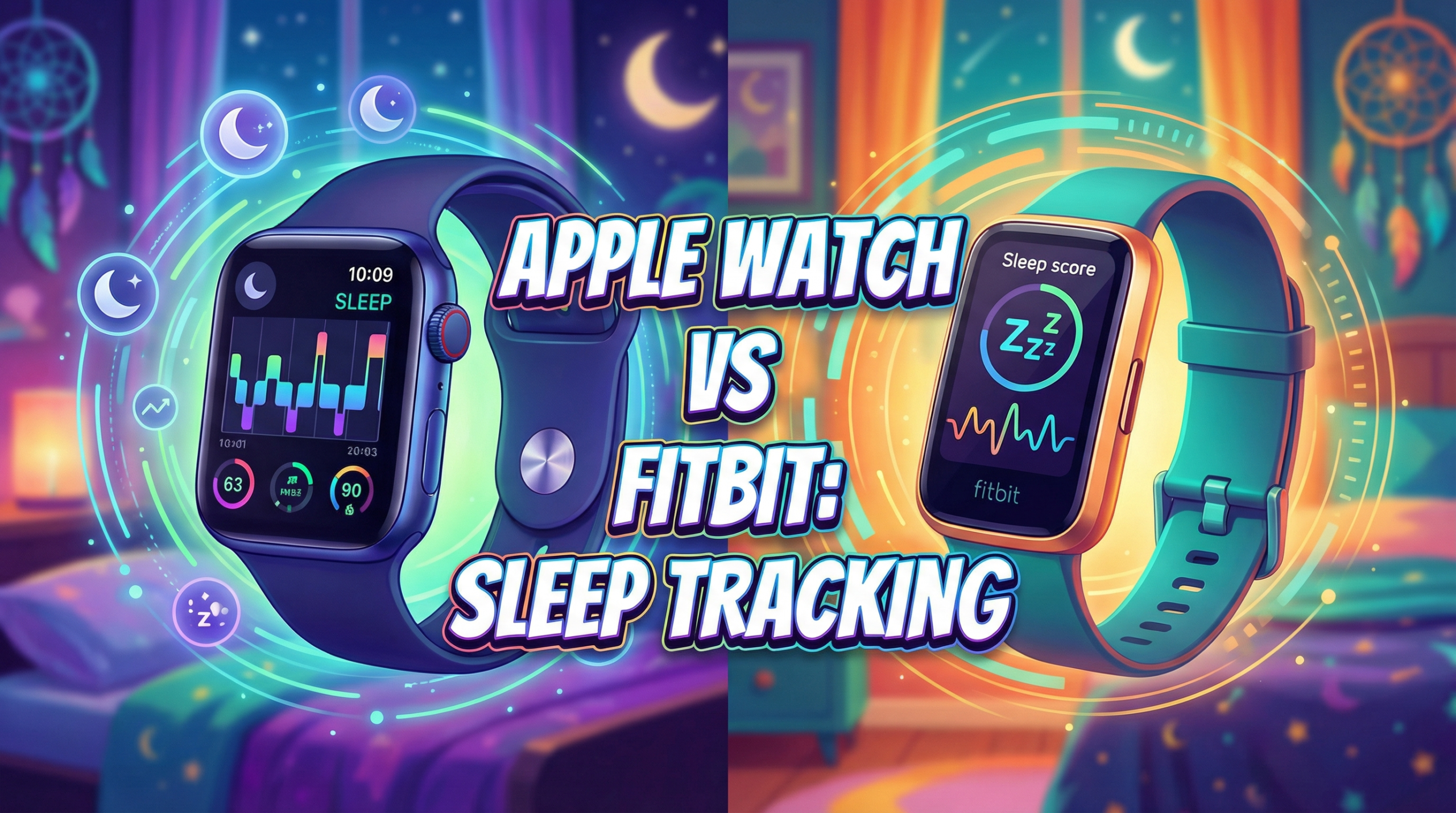
Welcome to Vertevia. This blog post is titled Apple Watch Vs Fitbit: Sleep Tracking Features Comparison. Tracking sleep is now a pretty standard part of wearing a smartwatch or fitness band, and when it comes to two of the biggest names in this area, the Apple Watch and Fitbit usually top the list.
Both promise to help you get a sense of your nightly rest, spot problems, and build better sleep habits, but they approach things in unique ways. I’ve put in some real bedtime testing with both, so let’s break down what you should know if you’re thinking about stepping up your sleep game.
Apple brings everything together with its ecosystem that connects your iPhone, Watch, and even HomePod for a smooth experience, giving you sleep tracking right in the Health app. Fitbit helped make sleep tracking popular years ago and piles on tons of details and history with its own app. If you’re looking to get a clearer idea of your sleep routine, here’s a rundown of how Apple Watch and Fitbit line up for helping you get better shut eye.
Overview of the Competitors
What is Apple Watch Sleep Tracking?
Apple Watch puts its built in sensors to use tracking sleep if you wear it overnight. Sleep tracking info is gathered through the Sleep app and goes straight into the Apple Health app, which is also where you can check out longer term trends. Apple focuses on privacy and keeps things minimal by default, but you can add more detail with extra sleep tracking apps if you want to go further.
What is Fitbit Sleep Tracking?
Fitbit trackers and smartwatches have always paid close attention to wellness, with a special nod to sleep monitoring. Every recent device can automatically sense when you nod off or wake up, and even spot breaks in your sleep. On top of that, many Fitbit models track sleep stages, show oxygen variation, and hand you a Sleep Score each morning that reflects your rest quality. All this gets backed up in the Fitbit app.
Who Are They Best For?
- If you want a watch that does a lot and blends easily into your Apple setup, Apple Watch is the easy pick, especially if you’re into tracking workouts and managing notifications too.
- Fitbit is for people who care about long term sleep trends, want a tracker that works with little fuss, and prefer waking up to a Sleep Score and in depth breakdown every day.
Pros and Cons
Apple Watch Pros:
- Easy integration with iPhone and Apple Health
- Simple, privacy focused sleep data display
- Customizable with loads of third party sleep apps
- Automatic sleep reminders and handy sleep focus mode
Apple Watch Cons:
- Most models need charging every night
- Starter features are less advanced than some others
- No sleep stage data on older watches
- Native sleep data can be a bit basic
Fitbit Pros:
- Great sleep stage tracking on most models
- Sleep Score is quick to understand
- Battery life covers several nights easily
- Advanced stats like SpO2 and skin temperature variation
Fitbit Cons:
- Full features and deeper analytics call for a Fitbit Premium subscription
- Best for sleep; not as slick for all over device integration
- Tracking accuracy can slip if the band is worn loosely
- Some trackers are simpler looking compared to Apple Watch
Core Sleep Tracking Features Compared
Automatic Sleep Detection
Apple Watch uses motion and heart rate to spot when you’re asleep, but you’ll want to enable Sleep Mode for the best results. Fitbit starts tracking sleep as soon as you fall asleep, no taps or prepping needed.
Sleep Stages
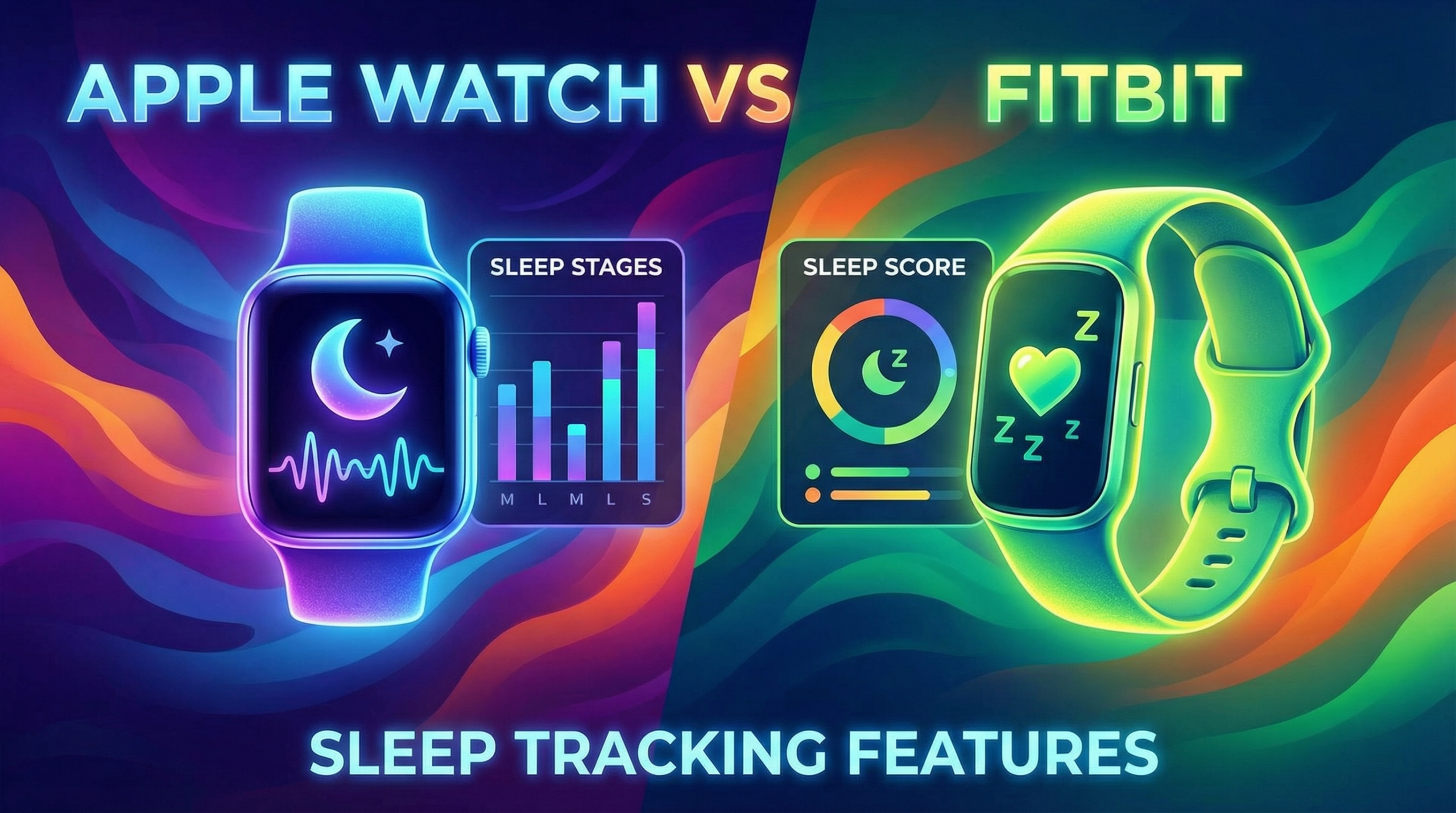
Apple Watch (Series 8 and later, or running watchOS 9+) tracks time in REM, Core, and Deep sleep. Fitbit, even on older devices, breaks down REM, Light, and Deep sleep, and makes it easy to spot these with graphs and percentages.
Sleep Score and Insights
Fitbit gives you a Sleep Score that wraps up your sleep time, quality, and movement all into one. Apple, meanwhile, highlights trends, but doesn’t hand you a single nightly rating without a third party app.
Health Data Integration
Apple pipes your sleep data into Apple Health, connecting it with mindfulness, heart rate, and workouts. Fitbit syncs everything to the Fitbit app, though getting your info into Apple Health or Google Fit takes some extra steps or an outside app.
Battery Life For Sleep Tracking
Apple Watches, for the most part, need a quick charge before bed to track your sleep and last the next day. Fitbits get you five or more nights between charges, so you can just keep wearing them night after night.
Smart Alarms and Sleep Coaching
Fitbit has a Smart Wake alarm that gently wakes you up at a light sleep stage. Fitbit Premium unlocks tailored sleep guidance. Apple has set alarms, but for smart alarms or coaching, you’ll need another app.
Advanced Sleep Metrics
Fitbit leads with SpO2 tracking, snore detection, and overnight skin temperature in the app. Apple Watch can do these too, but usually needs third party apps to show the details.
Interface and App Experience
Apple’s Sleep tracking is clean and simple. Great if you want just the essentials. Fitbit’s app layers on charts, colour, and comparisons for those who love digging deep into their stats.
How Accurate Is Sleep Tracking?
Wrist based sleep tracking isn’t perfect. Apple Watch checks heart rate patterns, wrist movements, and sleep focus when tracking. Fitbit does something similar but stands on years of algorithm updates. From my use, both spot when you drift off and wake up most nights, but don’t always register short naps spot on. For counting total sleep, Fitbit feels a bit steadier, but both are good enough for understanding your usual patterns. If you’re looking for true medical grade results or screening for things like sleep apnoea, you’ll still need a dedicated sleep test, not just a watch or tracker.
Third Party Apps and Extras
Apple Watch really shines if you want to mix things up and pick your own sleep tracking style. Apps like AutoSleep, Sleep Cycle, and Pillow let you pull in extra numbers, smarter alarms, graphs, and even snoring detection. Fitbit mostly keeps you inside its app, and while its built-in features are solid, the best stuff and deeper trend analysis are locked behind Fitbit Premium.
User Reviews and Community Feedback
- People like Apple Watch for its smooth syncing and commitment to privacy, but some wish it gave more detail without forcing you to hunt down extra apps.
- Fitbit users love the long battery life and deep dive into sleep stages. A few are frustrated by subscription paywalls for some features, though many are hooked by the simple, easy to read Sleep Score and tracking progress.
Overall Reputation: Most reviews are positive, but folks who are really focused on tracking sleep or have struggled with it before usually prefer Fitbit’s extra details and targeted approach just a bit more.
Which Sleep Tracker Should You Choose?
If you’re already deep in the Apple ecosystem, tracking sleep on Apple Watch is simple to use and fits right in, especially after you set up your sleep schedule. For lighter tracking or just getting in the routine of winding down, it works great. If you ever want more, add a third party app for richer stats.
Fitbit stands out for accurate sleep stage tracking and long term stats. It’s a top pick for folks who want to wear it and forget it, with no sweating about daily charging. If a single daily Sleep Score and coaching sounds good to you, Fitbit’s app does it well. Just expect frequent nudges to upgrade to Premium.
- Pick Apple Watch if you:
- Have an iPhone and like everything working together
- Value privacy and a simple display
- Don’t mind trying other apps for extra detail
- Pick Fitbit if you:
- Want sleep data with maximum detail
- Prefer several nights of battery and less charging
- Like seeing sleep trends and coaching tips
FAQs About Apple Watch and Fitbit Sleep Tracking
Q1. Is sleep tracking on Apple Watch free?
Yes, every Apple Watch with watch OS 7 or newer includes sleep tracking at no extra cost. For advanced data, you may need to pay for a third party app.
Q2. Does Fitbit require a subscription for sleep data?
Fitbit’s basic sleep stats come free, like sleep stages and times, but richer trends, analytics, and personalized coaching come with Fitbit Premium.
Q3. Will sleep tracking drain my watch battery?
Apple Watch uses more power overnight, so you’ll often need to charge it every morning or evening. Fitbits last several days, which means less worry about charging.
Q4. Which is more accurate: Apple Watch or Fitbit?
Both are similar for tracking when you fall asleep and wake up. Fitbit usually has a slight edge for sleep stages, but neither replaces a real sleep lab test.
Q5. Can I get snoring or SpO2 detection on Apple Watch?
These features can be added using extra Apple Watch apps, but they aren’t built into the basic sleep tracking. Many Fitbit models include SpO2 tracking and snore detection natively.
Q6. Does either track naps?
Neither tracker reliably catches daytime naps automatically, though some Fitbit models can if you tweak the settings. Apple Watch supports nap tracking with certain apps.
Q7. Does location or country affect sleep tracking features?
Most features work everywhere, but some extras, like snore detection or Premium features, aren’t available in every country for Fitbit or in every Apple Watch app.
Q8. What’s better for travel: Apple Watch or Fitbit?
Fitbit often wins on trips due to longer battery life and automatic time zone adjustments. Apple Watch is great if you need a multi purpose device that ties everything together once you reach your destination.
Summary
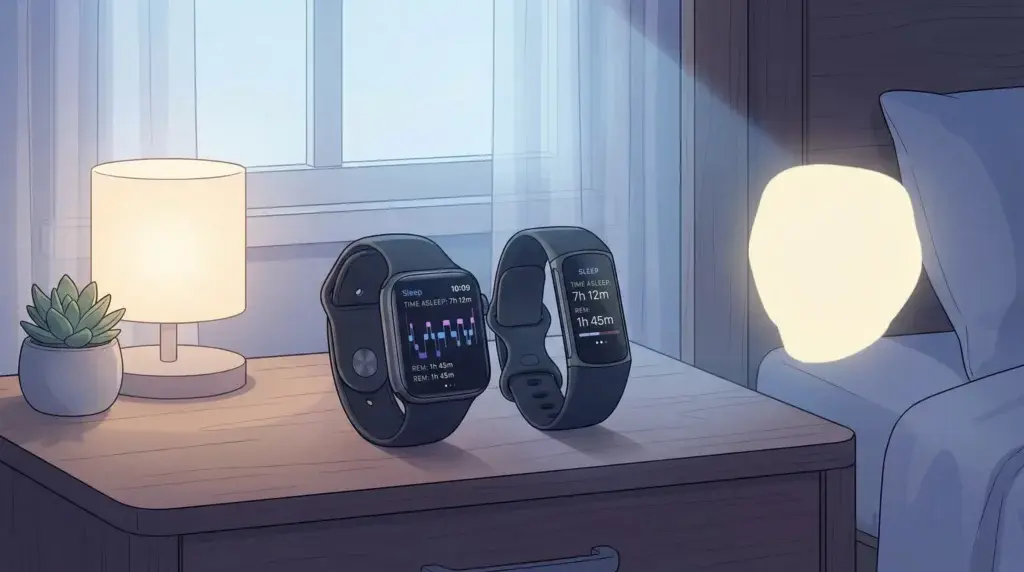
To summarise, the right sleep tracker is the one that fits your routines and tech preferences. What matters most is what feels good on your wrist and if you like the app experience. Apple Watch and Fitbit both do a solid job of turning your nightly sleep into helpful numbers, making it easier to improve your rest and overall health. Choose the option that feels right for you!
Thankyou so much for reading through this comparison article Apple Watch Vs Fitbit: Sleep Tracking Features Comparison. I do hope that the information provided has helped you to make an informed purchase decision for your next sleep tracker. For some extra reading, you should take a look at these related articles from our blog:
Please let us know in the comments which brand of sleep monitoring device you are currently using or plan to buy in the future!
**Here is a bit of transparency. Our website www.vertevia.com does contain affiliate links and Amazon links. So, if you did make a purchase through the website, we may receive a small commission. This is at no extra cost to you whatsoever. It’s just a way for you to support us as we continue to bring you top quality content**
All the best!
Eamon
I’ve been looking into both the Apple Watch and Fitbit, mainly because I want to make sure I’m actually getting enough sleep each night. I like how you broke down the differences, especially the part about Fitbit’s Sleep Score versus Apple’s trend tracking. Having a clear number to look at each morning sounds motivating, but I also appreciate how Apple integrates everything into the Health app since I already use my iPhone for most things.
Battery life seems like a big deciding factor, too. The idea of not having to worry about charging every night makes Fitbit appealing, but I wonder if Apple’s third‑party apps make up for the simpler native features. In your experience, do you think having more detailed sleep stage data (like Fitbit offers) actually helps you change habits, or is it more of an interesting extra?
Well, I do think it’s great for people who want to take their sleep tracking seriously. The added features are a benefit definitely. Many thanks for your much valued comments.
All the best
Eamon