
A warm welcome to Vertevia. This product review article is titled Apple Watch Series 10: Best For Sleep Monitoring? Apple Watch Series 10 is generating quite a bit of buzz, especially among people who care a lot about their sleep. If tracking your nights is on your tech wish list, the Series 10 comes packed with features meant to make bedtime smarter and mornings easier.
After spending plenty of nights testing sleep mode, comparing data, and checking out the details, I’ve rounded up everything you should know about the Apple Watch Series 10 as a sleep monitoring tool.
How Sleep Tracking Works on Apple Watch Series 10
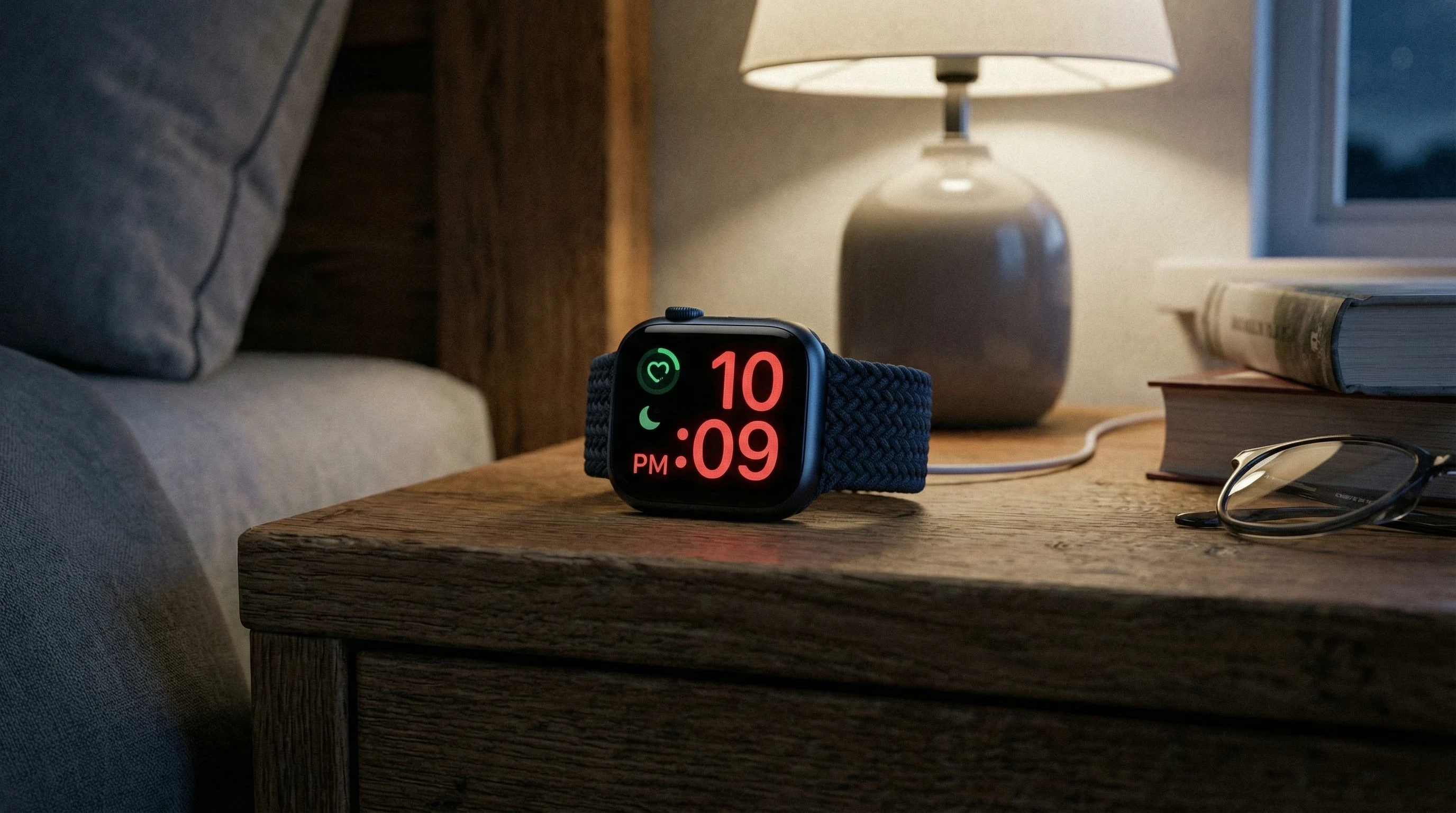
Apple Watch sleep tracking has come a long way in the past few years. With the Series 10, sleep tracking is built right in, so you don’t need third party apps if you’re just after the basics. The system uses a mix of sensors like the accelerometer (to measure movement), heart rate monitor, and the new temperature sensor. The watch picks up on small body movements and heart rate changes to make a pretty good guess about when you’re asleep, how long you stay in each sleep stage, and when you finally wake up. You just wear the watch to bed and set “Sleep Focus” mode in the Health app on your paired iPhone.
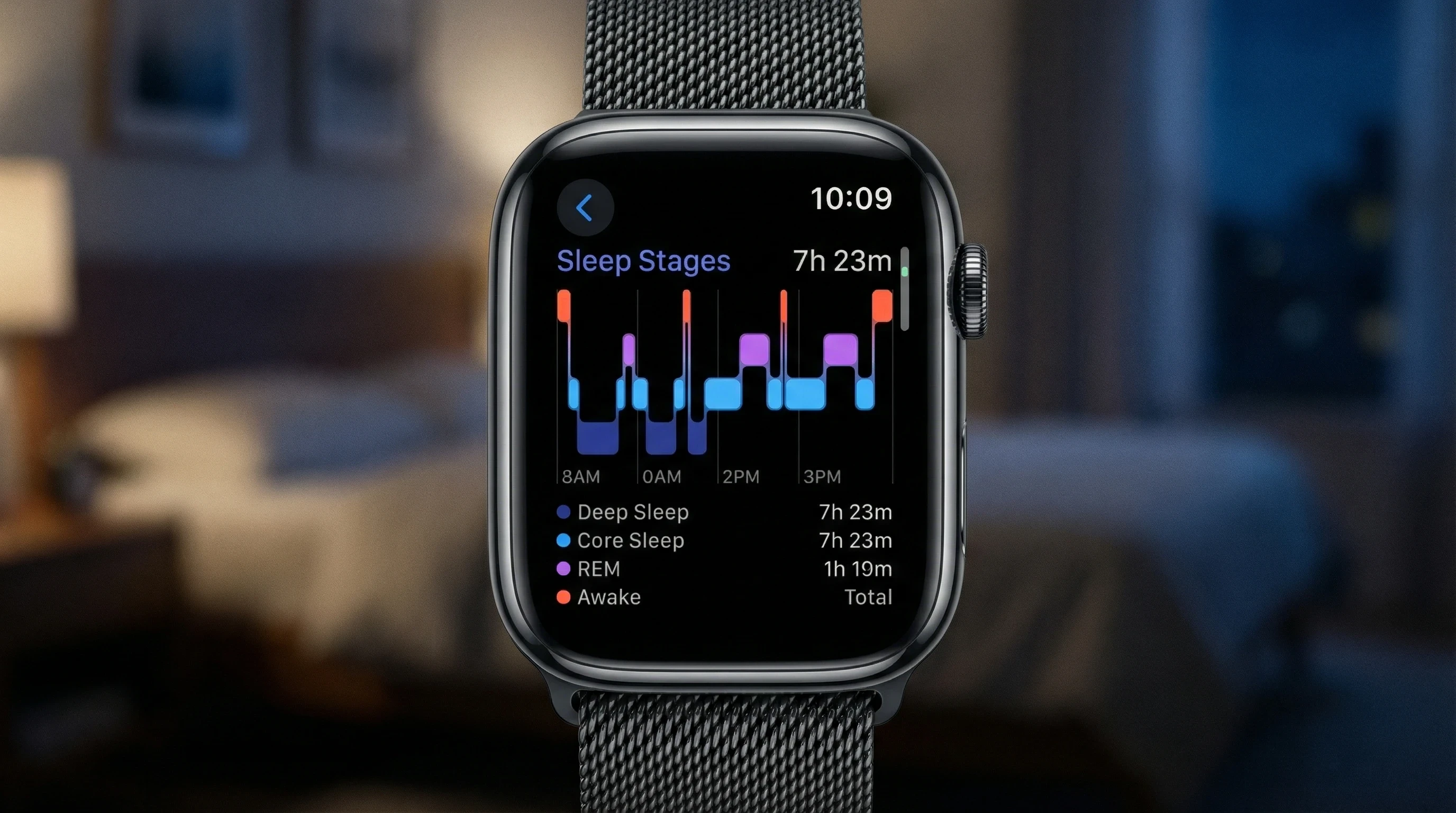
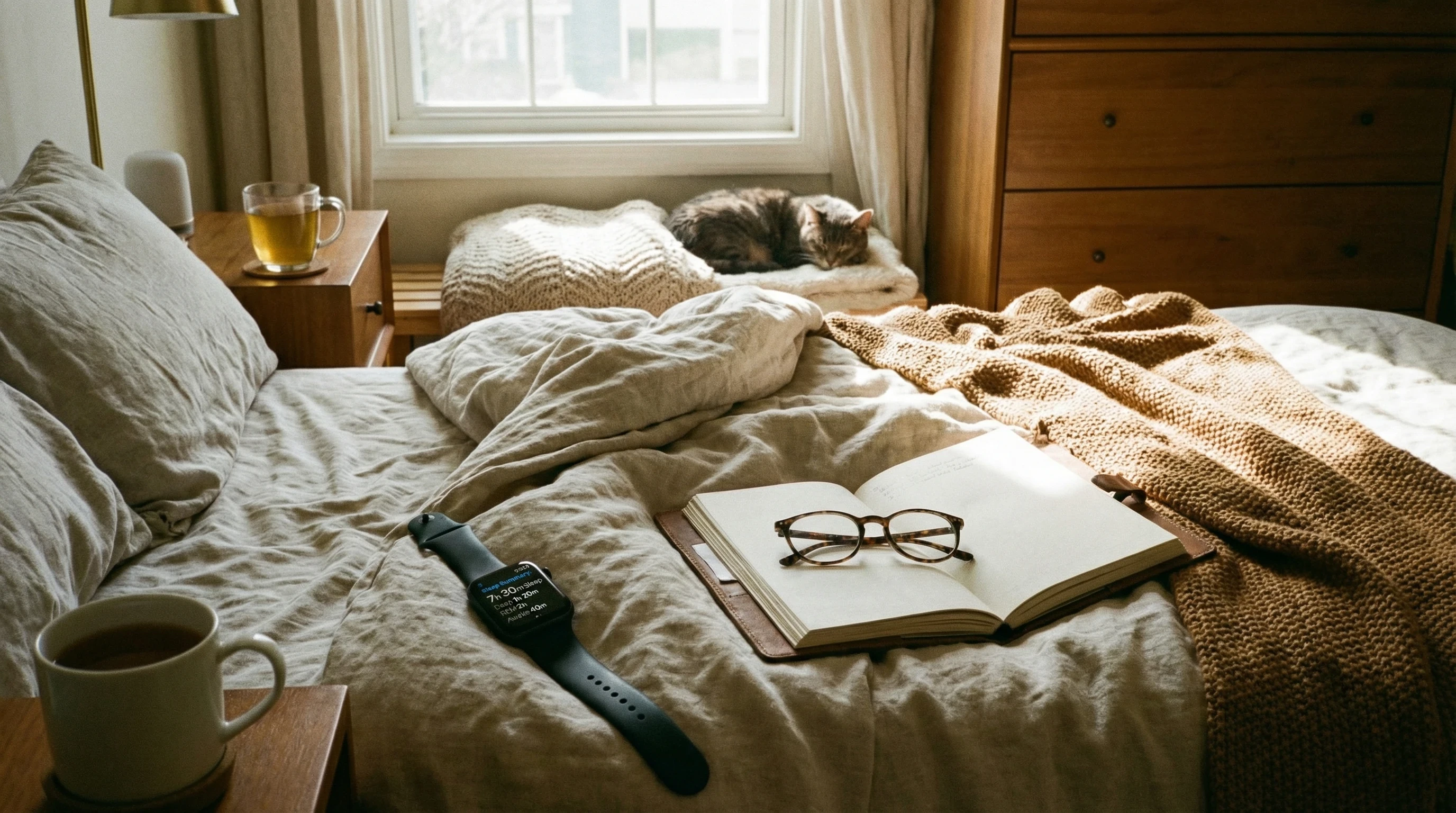
I found that the process is straightforward. The Series 10 recognizes when you drift off, tracks your time in bed, estimates your sleep stages (like REM, Core, and Deep), and even picks up on the time you actually wake up, not just when your alarm goes off. You’ll see a super detailed sleep report in the morning with a breakdown of how your night went.
Key Sleep Tracking Features of Apple Watch Series 10
Sleep tracking on the Series 10 isn’t just about measuring total hours. The watch breaks down your sleep into different stages and gives you handy insights into your habits. Here are the main features I’ve found super useful:
- Sleep Stages: Tracks REM, Core (light), and Deep sleep, showing where you spent most of your night.
- Heart Rate and Temperature: Displays your average heart rate during sleep and picks up on slight temperature changes, which can reveal changes in your routine, stress, or overall health.
- Automatic Sleep Detection: No need to tap anything before bed; the watch auto detects when you fall asleep and wakes up.
- Sleep Goals: Set custom goals for how many hours you want to get each night. The watch will nudge you with gentle reminders before bedtime.
- Silent Haptic Alarms: Wake up with gentle wrist taps instead of blaring sounds, which is great if you don’t want to wake anyone else in the room.
Compared to earlier generations, the Series 10 is more accurate. This is thanks to better sensors and a more sophisticated algorithm. The improvements in battery life also mean you can wear it all night and still have juice for the day. Plus, the enhanced display offers easier reading in low light, which definitely comes in handy when checking your screen in a dark room.
Setting Up Sleep Tracking for Best Results
Getting good sleep data from your Apple Watch Series 10 isn’t tricky, but there are a few tips that help:
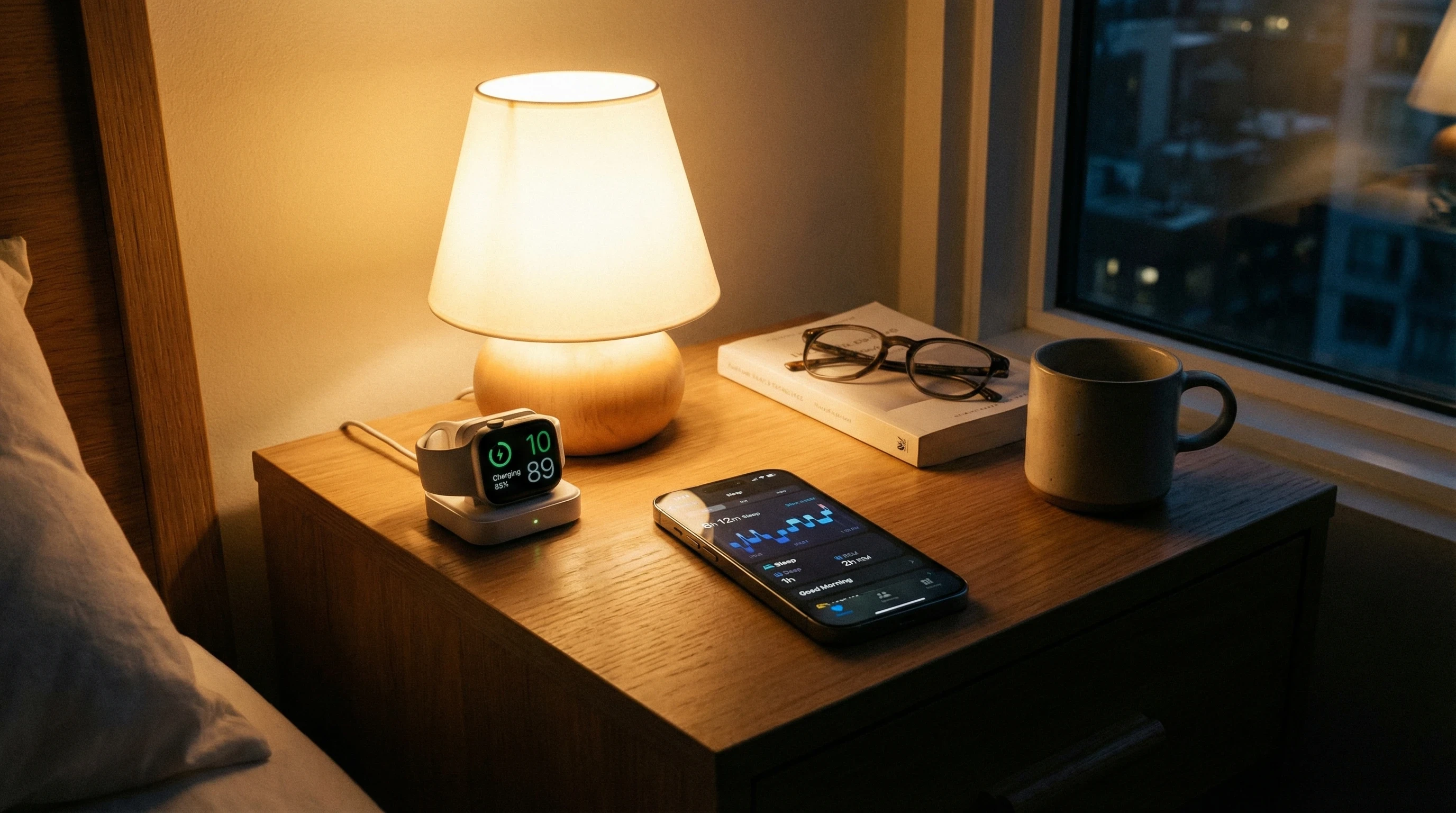
- Charge Before Bed: Series 10 has solid battery life, but it won’t last forever if you’re running a lot of background apps or workout tracking. I get in the habit of topping up the charge during dinner or a shower so it’s ready for overnight use.
- Enable Sleep Focus Mode: This silences notifications, dims the screen, and makes sure you won’t get distracted if a text or alert arrives late at night. It knocks out potential disruptions, so your sleep data stays clean.
- Adjust Your Sleep Schedule in the Health App: Set your preferred bedtime and wake up time. The watch takes care of the rest. You’ll get reminders if you’re up too late, and results are more consistent over time.
- Wear It Snugly: For the most accurate heart rate and movement sensing, make sure your watch isn’t too loose. I go for a comfortable, even fit. Not too tight or too floppy.
These steps are simple but add up to cleaner, more useful sleep info that can help you spot trends in your night time habits. As a bonus, if you enable insights notifications, the Health app can show suggestions on how to step up your wind down process or remind you about improving evening routines.
Feature Scores
Reading and Using Your Sleep Data
The Series 10 syncs all of your sleep info to the Apple Health app on your iPhone. In the morning, you’ll see a breakdown of:
- Total time asleep
- Time in each stage (REM, Core, Deep)
- Time spent awake during the night
- Average heart rate while sleeping
- Trends over weeks and months
I usually scan my sleep summary during breakfast. The trend graphs over weeks are the real highlight for me. I can see if my new routine (like cutting caffeine or changing my bedtime) is making a difference. The app displays weekly averages, so it’s easy to tell if you’re actually getting better sleep, or just having the occasional good night.
Sleep data also gets mixed together with other health features on your iPhone, like respiratory rate, blood oxygen tracking (with an extra app), and even third party meditation or rest apps if you want to dig further. It all comes together in one easy to read dashboard, providing a holistic look at your well being. With HealthKit, you can even export your data or track down trends with wellness professionals if you’re working on serious health goals.
How Does Apple Watch Series 10 Compare to Other Sleep Trackers?
There are a lot of sleep trackers out there, from simple wearable rings to smart mattresses and phone apps. Compared to popular brands like Fitbit, Oura Ring, or Withings, the Apple Watch Series 10 holds up pretty well. Here’s how:
- Accuracy: Sleep stage tracking is about as precise as any wrist worn device. No wearable is perfect, but Apple’s algorithms have caught up to Fitbit and now beat many phone only trackers by a mile.
- Comfort: I can wear the Series 10 all night without much discomfort, though it is a bit bulkier than a ring tracker. The soft sport bands help a lot.
- Data Integration: If you’re already invested in other Apple health features, the Watch makes it easy to keep everything together, while many other trackers require their own apps or subscriptions.
- Battery Life: Oura and other ring trackers last longer per charge, but the Series 10 battery has improved enough where an evening top up keeps me going through the night.
It’s worth noting that some standalone trackers do offer extra sensors (like dedicated SpO2 monitoring or even snore detection built in), but for an all in one smartwatch experience, the Series 10 is tough to beat. It balances fitness, notifications, and sleep tracking all on your wrist for day and night use.
What I’ve Noticed After Real World Use
After wearing the Series 10 every night for several weeks, a few things stood out in daily life:
- My sleep totals match pretty closely with how I actually feel in the morning (dragging after a short night, sharp after a long one).
- The sleep stage graphs show huge differences on nights I stay up looking at screens versus reading or winding down. On nights I started a wind down routine, my deep sleep percentage improved, showing an obvious connection between my habits and sleep quality.
- Haptic alarms are perfect for waking up gently, especially if you share your bed or need to get up without disturbing others. I barely even noticed them after a couple days and found them less stressful than a traditional alarm clock.
- Getting alerts when my sleep trends dip helps me spot stress or lifestyle changes early. For example, late night work emails or skipped workouts show up as a clear drop in the sleep quality graph, helping me switch up my schedule.
There have been a couple of nights where I forgot to charge the watch or wore it too loose and missed a chunk of data. Outside of that, it’s really hands off once you put in your bedtime routine. Occasionally, you might need to reboot the watch or resync with your phone after a major update, but that’s rare.
Things to Consider Before Using Apple Watch Series 10 for Sleep
- Comfort and Style: Some people find any wrist based tracker distracting or too clunky for sleep. The Series 10 is slim, but larger than a ring or dedicated sleep band. If you’re sensitive to having something on your wrist at night, try it for naps or a couple of test nights first to get a feel for it.
- Battery Routine: With all day and night use, it’s smart to get in the habit of recharging the watch at a regular time, like while showering or prepping for bed. This helps lock in a routine that works for your schedule.
- Limitations: The Apple Watch can’t diagnose sleep disorders such as apnoea, and the sleep staging is still an estimate based on movement and heart rate. For medical level sleep analysis, you’ll still need professional gear or a sleep study, so don’t rely on the watch alone for medical concerns.
- Curiosity Driven Insights: The Series 10 gives great info, but it’s only as useful as what you do with it. If you’re just glancing at numbers without changing your habits, the device can only do so much. Put the info to work for you and see real changes in your rest and energy.
Tips for Improving Sleep With Apple Watch Series 10
- Turn on “Wind Down” to get reminders when bedtime is close. I found it helps me avoid late night scrolling and settle into a better sleep routine.
- Look at weekly averages instead of stressing over a single night’s data. Big swings can happen, but trends mean more.
- Pair the sleep tracker with other wellness apps, like mindfulness or relaxation audio, to help set the mood for sleep. Many people see improvements from guided meditations coupled with sleep tracking feedback.
- Share your sleep summary with your doctor or nutritionist if you’re working on health goals. Keeping an eye on your numbers can help inform other wellness decisions and spark new ideas for improvement.
Best Watch Bands for Sleeping Comfortably
Your choice of band makes a big difference. I go for Apple’s soft sport loop or basic silicone sport band. Both feel light and don’t dig in during the night. Metal links and chunky buckles get in the way and leave marks on my wrist. If you’re buying the watch mainly for sleep tracking, it’s worth grabbing an extra cheap, stretchy band just for bedtime, since softness is key for all night comfort. Several bands have extra padding or mesh textures that add to the comfort while you toss and turn.
| Apple Watch Series 10 Key Sleep Monitoring and Health Features | |
|---|---|
| Sleep Stage Tracking | Light, deep, and REM sleep analysis with nightly summaries |
| Heart Rate Monitoring | Continuous tracking with resting and overnight heart rate trends |
| Heart Rate Variability | Nightly HRV data to assess recovery and stress levels |
| Blood Oxygen Sensor | SpO2 measurements during sleep and throughout the day |
| Temperature Sensing | Wrist temperature trends to support recovery and cycle insights |
| Sleep Focus Mode | Reduces distractions and tracks consistent bedtime routines |
| Battery Life | Up to 18 to 36 hours depending on usage and low power mode |
| Comfort | Lightweight design with soft sport or fabric bands for overnight wear |
| Smart Features | Notifications, calls, apps, alarms, and silent wake features |
| Water Resistance | Swim safe design suitable for everyday wear |
| Compatibility | Works seamlessly with iPhone and Apple Health ecosystem |
| Starting Price | From 399 USD or 399 GBP |
Frequently Asked Questions About Apple Watch Series 10 Sleep Monitoring
Q1: Does Apple Watch Series 10 automatically track my sleep, or do I have to turn something on?
Answer: Once you’ve set a sleep schedule in the Health app and wear your watch to bed, the Series 10 tracks sleep automatically. No button tapping needed, but activating Sleep Focus mode makes the results cleaner and ensures no late night interruptions.
Q2: How accurate is Apple Watch sleep tracking?
Answer: Apple Watch Series 10 does a pretty solid job using movement, heart rate, and temperature sensors. It’s not as precise as a professional sleep study, but for at home trends it lines up well against other top wearables like Fitbit and Oura Ring.
Q3: Does wearing the Apple Watch at night bother your wrist?
Answer: For most people with a soft band and a snug (not tight) fit, it’s comfortable enough for sleep. Some users who toss and turn a lot might feel it, especially with harder or metal bands. I got used to it in a couple of nights.
Q4: How long does the battery last when using sleep tracking?
Answer: Typically, you get about 18 to 24 hours on a single charge, so topping up the battery each evening keeps it going all night. If you forget to charge before bed, the watch will give a low battery warning, but it usually still tracks part of the night if you’re above 30 percent at bedtime.
Question: Can Apple Watch Series 10 wake me up gently in the morning?
Answer: Yes, the haptic alarm gently taps your wrist instead of using a loud noise. The watch also lets you set “early” alarms based on when you’re in a lighter sleep stage, so you wake up feeling less groggy.
Q5: Can I use third party sleep apps with Series 10?
Answer: Absolutely. While Apple’s own sleep features cover the basics, apps like AutoSleep, Pillow, or Sleep Cycle add extra details and sometimes deeper analysis, so you have options if you want even more sleep data.
Q6: How does the Series 10 sleep data connect with overall health tracking?
Answer: Sleep tracking is tightly integrated with the Health app, so your sleep stats appear right alongside step counts, workouts, mindfulness, menstrual tracking, and more. It’s handy for tracking down bigger patterns in your health and wellness journey.
Q7: Are there privacy concerns with sleep tracking?
Answer: Apple encrypts your health data, so sleep information is kept private on your device and can be controlled in your iCloud settings. You can choose what’s shared with third party apps and what stays just in the Health app.
Summary
After spending plenty of nights with the Series 10 on my wrist, I can say it ticks most of the boxes for anyone interested in understanding their rest. The sleep tracking is accurate for everyday use, easy to set up, and syncs well with your other health data. Comfort is pretty much a non issue with the right band, and the gentle alarm gives mornings a much nicer start. Just keep in mind that it doesn’t replace a real medical sleep study, and folks who need a super slim design might still lean toward a ring tracker.
If you already use an iPhone or other Apple gadgets, the Series 10 makes tracking your nights and days feel totally seamless. For most people who want to keep an eye on their sleep and gently improve their routines, the Apple Watch Series 10 is a smart and user friendly pick.
Many Thanks!
Many thanks for taking the time to read this product review of the Apple Watch Series 10: Best For Sleep Monitoring? I do really hope that it has provided you with value. If you would like some extra reading, take a look at these interesting and related articles below.
Related Articles
Please let us know in the comments which brand and type of sleep monitoring device or other wearables you are currently using or plan to buy in the future!
**Here is a bit of transparency. Our website www.vertevia.com does contain affiliate links and Amazon links. So, if you did make a purchase through the website, we may receive a small commission. This is at no extra cost to you whatsoever. It’s just a way for you to support us as we continue to bring you top quality content**
All the best!
Eamon