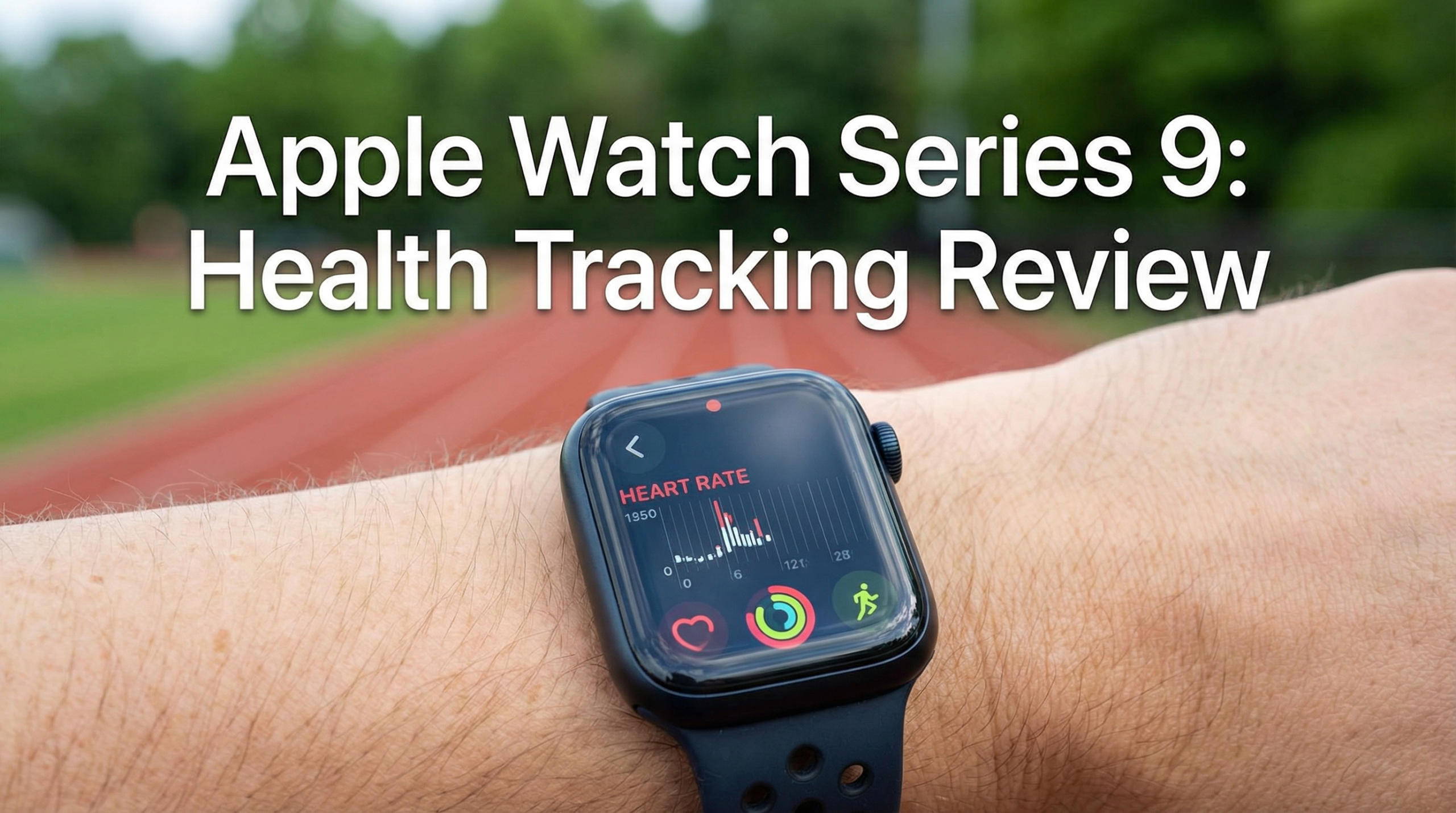
Welcome to our review article titled Apple Watch Series 9: Essential For Health Tracking? The Apple Watch Series 9 is one of those gadgets you see everywhere. Whether it’s joggers on the street or people checking texts while grabbing coffee, this watch is tough to miss. It’s marketed as the go to smartwatch for iPhone users, but what really caught my eye are its health and fitness features.
If you’re curious whether this sleek device is actually worthwhile for tracking your health, or just another tool for checking notifications, you’re in the right spot.
I’ve worn it daily for several months, giving it a realistic, all in one test run. Here’s what actually matters when it comes to health tracking, the features that stood out, key tips if you’re new, and a few insights to help you decide if it’s for you.
Why Health Tracking Matters in Everyday Life
Keeping an eye on your health should go way beyond scheduled workouts. The Apple Watch Series 9 helps me stay on top of daily movement, sleep, heart rate, and even stress levels. Health tracking isn’t just about step counts or closing rings. For a lot of people, including me, it’s about getting reminders to move, glancing at heart rate trends, and getting those gentle nudges to improve everyday habits.
We spend more time than ever looking at screens, working desk jobs, or commuting longer. Inactivity, high or unusual heart rates, and poor sleep aren’t uncommon anymore. Even if you aren’t hitting the gym daily, simple data about your health can give some peace of mind and sometimes even serve as a wake up call. The Apple Watch covers the basics like step and calorie counts, but it also tracks things like irregular heart rhythms and phases of your sleep. Which is genuinely valuable for everyday users.
Instead of focusing just on numbers, good health tracking is about awareness and small tweaks that make a difference over time. That’s where the Series 9 started to shine for me. I noticed myself standing more, paying closer attention to rest, and reworking my routines whenever the watch flagged something out of the ordinary. In the long run, these small pushes add up to bigger wellness improvements.
Getting Started With the Apple Watch Series 9
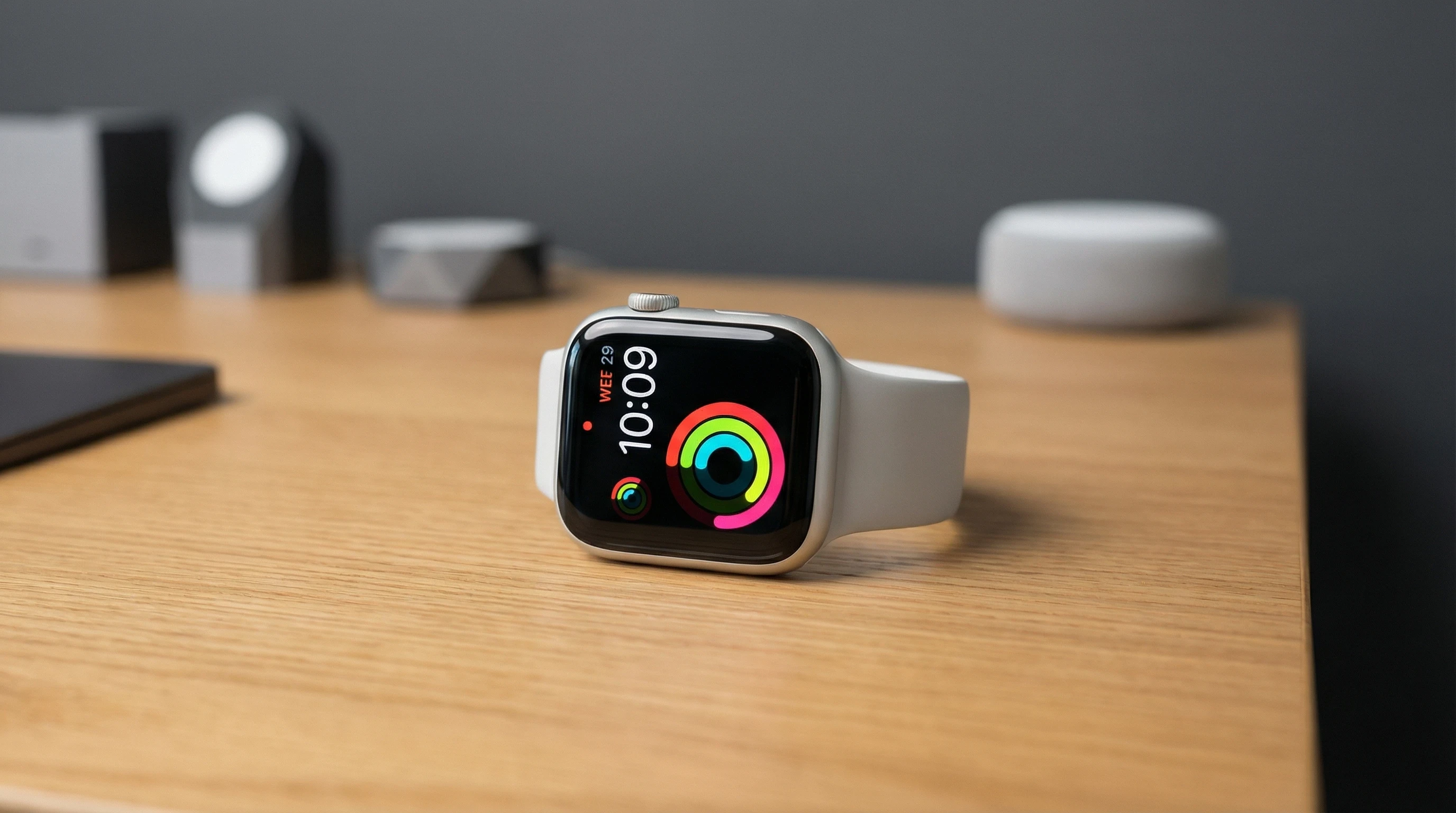
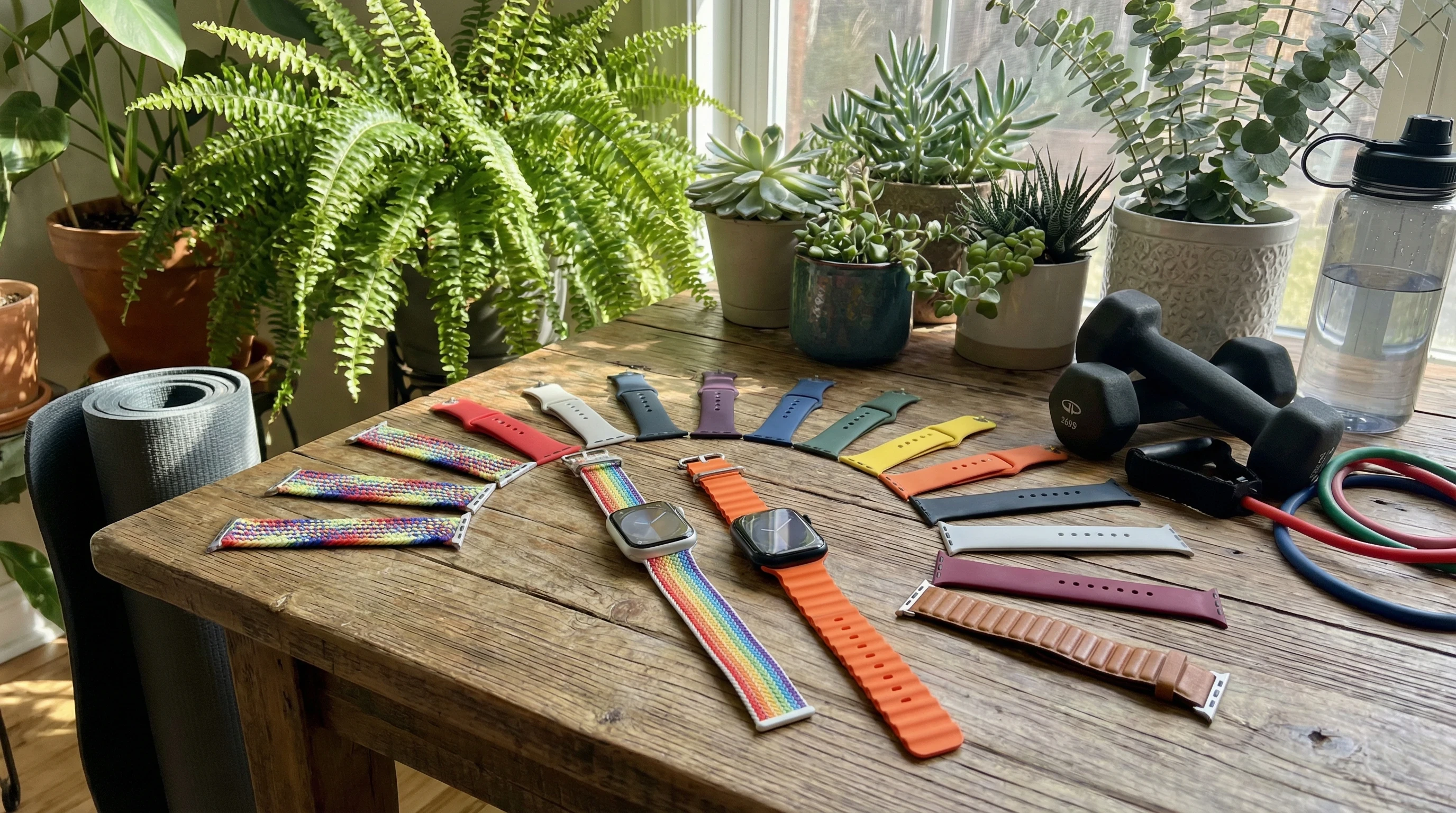
Setting up the Series 9 is super easy. It automatically pairs with your iPhone and customizing your watch face is simple. Complications, those helpful little widgets that display health stats, the time, weather, reminders, and more, can be adjusted to fit what matters most to you. The watch itself is lightweight, comes in two sizes, and you can pick from a variety of bands to match your personal style or handle any skin sensitivities.
Here are a few key terms worth remembering while using this watch:
- Activity Rings: Move, Exercise, and Stand, the coloured rings you see on ads. Closing these daily feels both rewarding and motivating.
- Always-On Retina Display: Incredibly bright, wakes quickly, and easy to check notifications or health stats even in the sun.
- Blood Oxygen App: Measures your blood O2 day or night. Especially handy for those with breathing or sleep concerns.
- Temperature Sensing: Checks for overnight changes in skin temperature, which is useful for sleep or period tracking.
- Crash Detection and Emergency SOS: This is a feature I hope never to need, but it instantly alerts emergency services after a hard impact.
Technical know how isn’t needed. Health and Fitness apps on the iPhone sync automatically, and the guided setup takes only minutes. For those upgrading from an older Apple Watch, migrating settings is just a few taps away. The watch also fits almost anyone, with lots of band choices suitable for daily wear, whether it’s for work, the gym, or sleep.
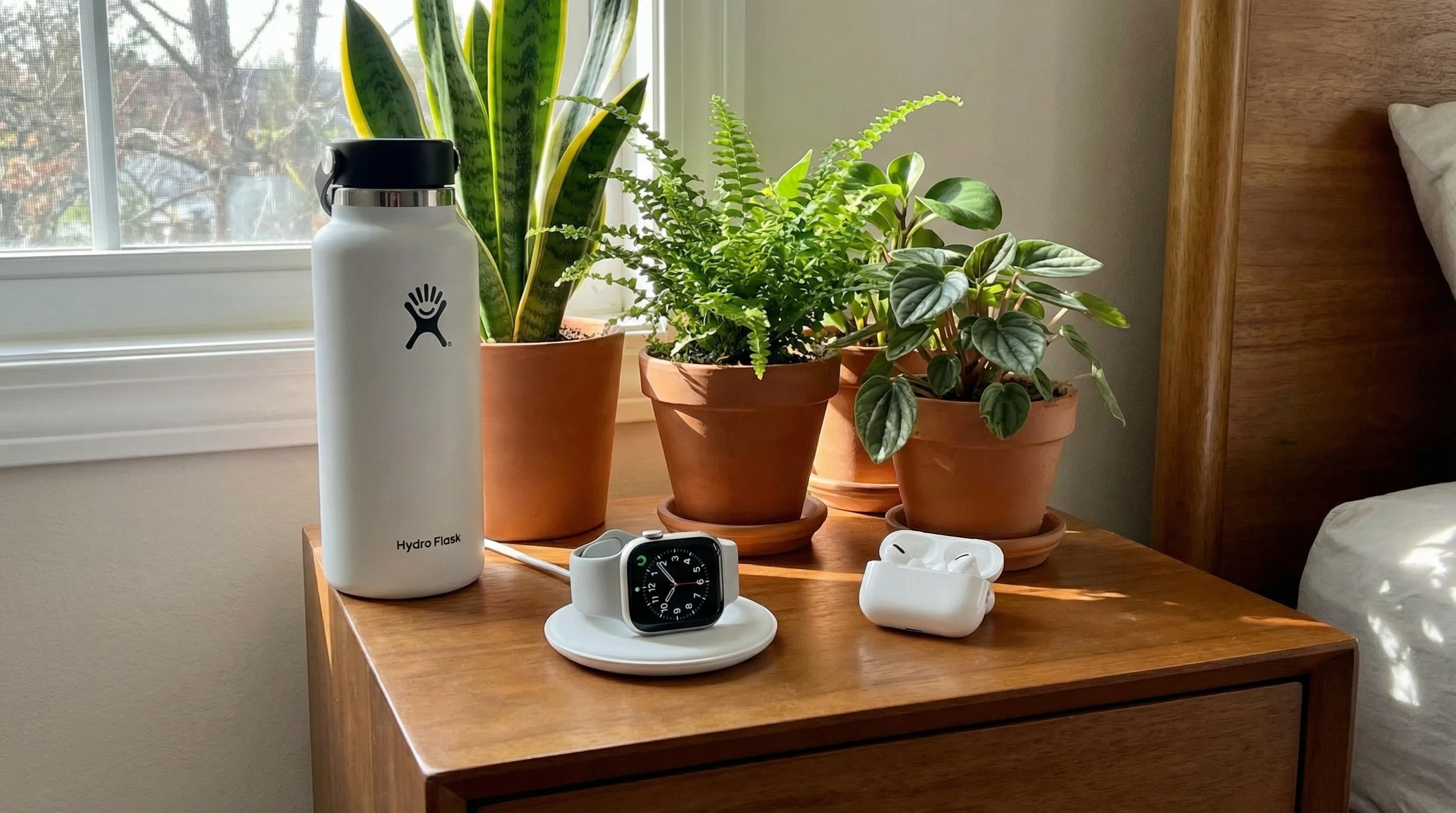
Apple Watch Series 9 Health & Fitness Features You’ll Really Use
Some wearables make big promises, but the Series 9 delivers real, practical features you’ll actually reach for. Here are the standouts that I ended up using the most:
- Heart Rate Tracking: This is more than a post run stat. It highlights unusually high or low heart rates, watches your recovery after workouts, and logs trends to show to your physician if anything looks off.
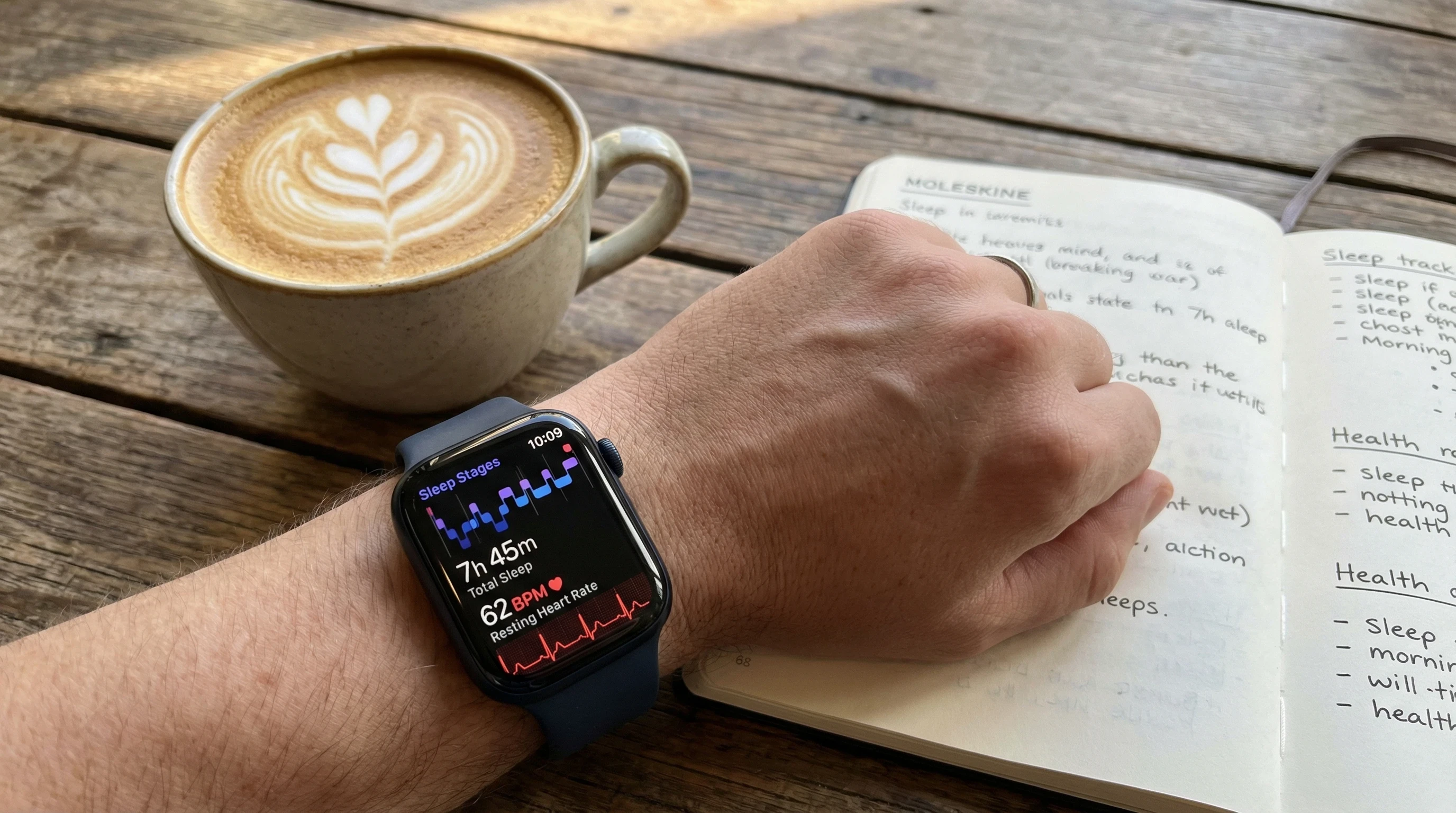
- Sleep Tracking: Automatic detection of when you fall asleep and wake up, plus breakdowns of your light, core, and deep sleep. It even shows breathing rates overnight. If you can get used to sleeping with a watch on, it’s an eye opener. Especially after a few nights of data collection.
- ECG Measurement: With just a tap, you get a doctor grade ECG readout. No need to buy a separate device. This is a real benefit for anyone monitoring their heart health.
- Blood Oxygen Monitoring: Regular sensor checks make it quick to see your oxygen levels in the Health app. This is frequently used by those with sleep apnoea risk or other breathing issues, but is simple enough for everyday wellness checks.
- Menstrual Cycle Tracking: Daily symptom tracking and predictions, with trends that unusually incorporate temperature changes, help shed light on overall period health.
- Fall and Crash Detection: The watch picks up on hard falls while out walking, driving, or even cycling. It asks if you need help and can notify your emergency contacts, offering real security for people living alone.
- Fitness+ Integration: Guided workouts and meditation programs are recorded directly from your wrist. Stats sync instantly, no extra steps required.
On top of that, you’ll stumble upon built in mindfulness tools, hydration reminders, and noise alerts when things get too loud. When you add it all up, the Series 9 quietly gives a boost to several little wellness areas, even if you aren’t a health nut. For someone who just wants a healthier routine, these are features you’ll appreciate, sometimes more than you’d expect.
How I Use the Series 9 For Better Daily Health
I haven’t become obsessed with checking every stat, but certain features have really changed my routine for the better. Here’s what’s worked:
- Close Your Rings: The daily move, exercise, and stand goals turn into a fun challenge. I catch myself picking longer walking routes, or even pacing the kitchen at night for a few extra steps. The confetti and taptic feedback when you hit your rings can give just the push you need.
- Stand Reminders: Whether working from home or the office, the hourly gentle tap to stand up keeps me from spending ages in one position. This tiny change, repeated daily, really makes a difference.
- Custom Workouts: The watch recognizes workouts automatically, including runs, walks, swims, or even yoga. With waterproofing and detailed metrics, it eliminates the need for a separate tracker. Heart rate, pace, and calories are right on the screen, so hitting movement goals is hassle free.
- Nightly Sleep Data: Charging before bed and wearing it overnight gives a snapshot of sleep quality and patterns, so you can spot trends after just a week or two. This feedback loop led me to small tweaks with bedtime routines and room conditions that really mattered in the long term.
- Trends in the Health App: VO2 Max, walking steadiness, and resting HR trends are all front and centre. Having all this data in one place lets you catch bigger changes before they become issues. Sharing monthly trends with my physician was easier than ever, and made checkups more informed.
When used every day, these little features do more than just track. They can start to rebuild your habits from the ground up. Regular nudges and feedback let you react to changes positively instead of feeling nagged, which made sticking with the Apple Watch much easier for me than fitness bands I’ve tried before.
What To Think About Before Buying
The Series 9 isn’t everybody’s perfect fit. It’s not the right choice if you want super detailed sports stats or dread the thought of charging yet another device. Here’s what helped me make my decision:
- Compatibility: It works only with iPhones running iOS 17 or newer. If you’re not already part of the Apple crowd, there’s not much integration with Android.
- Comfort and Style: The lightweight build is great, but if you dislike wearing anything on your wrist (especially while sleeping), it may not win you over. Swapping watch bands for workouts, relaxing, or sleeping made a world of difference for me.
- Battery Life: You get roughly 18 to 24 hours between charges. Using sleep tracking and daily activity means setting up a habit of charging for an hour during dinner or another routine downtime.
- Price: This is a premium tracker, no doubt. It isn’t the cheapest way to monitor basic stats, but it replaces several devices at once and comes with smart integrations that lower budget trackers don’t match.
- Privacy: Apple has robust privacy standards. All health data is encrypted and never shared without your approval. With personal wellness apps becoming more common, that’s a top tier advantage.
Getting the Most Accurate Results
Accuracy makes these features worth using. For best results, the Series 9 needs to fit snugly above your wrist bone. If the band is loose or slides around, heart rate and blood oxygen readings can be off. Cleaning sensors regularly and keeping software up to date are a big help, while turning on background heart rate and blood oxygen monitoring in the Health app keeps trends smooth and accurate. For detailed readings, like ECG and SpO2, try to stay still and relax your wrist for the best results.
Want the best sleep tracking? Go with a soft, lightweight band like the Sport Loop. I barely notice it at night, but the stats in the morning are hard to ignore!
Comfort and Daily Wear Tips
Comfort is everything for a wearable. Don’t settle for the default silicone band unless it works for you. The woven nylon and leather options both felt great for daily wear. If you spend a lot of time typing or sleep with your arm under your pillow, adjusting the watch slightly higher helps prevent skin marks and keeps the readings accurate. I found that switching strap locations based on activity or sleep really improved comfort.
What Real Users (Including Me) Notice in Daily Life
After a solid stretch using the Apple Watch Series 9, some benefits keep coming up in my experience, reviews, and chats with friends:
- Motivation: The rings, badges, and goals keep you moving, even if you aren’t into fitness. It’s wild how effective a virtual trophy can be after a long day.
- Peace of Mind: Alerts for unusual heart activity or falls are huge, especially for older adults or anyone with past health scares. I’ve seen people get early warnings of potential issues just by wearing the watch.
- Better Sleep: The detailed sleep data made me more aware of night time patterns, showing how minor routine shifts affect rest. It gave me a reason to wind down earlier or tweak my bedtime habits.
- Easy Sharing for Doctors: All health info is simple to export or show at appointments, making medical visits smoother and taking the guesswork out for your care provider.
- App Integration: Seamless support for tons of outside apps means you’re not stuck in the Apple only ecosystem. Nutrition, hydration, and custom workout apps all play nicely with the Series 9.
The bigger surprise for me? I started taking more breaks, staying hydrated, and setting off less screen time, thanks to tiny nudges. It’s not just about stats. It’s about real change, which I didn’t expect at first.
Extra Tips for Making the Most of Apple Health Features
After months of daily use, here are some ways to make the most out of the health tools. Whether you’re deep into stats or just want to build consistency:
- Create daily alerts for medications, water drinking, and relaxation using Breathing exercises for a mini reset.
- Hook up third party apps like Strava or MyFitnessPal if you want extra rich data without tedious manual entry. The Apple Health platform is welcoming to outsider apps.
- Mix up your workout types. From HIIT to rowing to dance, tracking new activities keeps things interesting and challenges your body differently.
- Try Focus modes or Sleep modes at night to cut distractions, lower blue light from the screen, and get more solid sleep reports.
- Review long-term stats in the Trends tab every week. These charts help you spot real patterns and clue you in when to celebrate wins or work on gradual improvements.
Adding just a couple of these to your week keeps things fresh. Don’t try to do everything all at once. Growing your habits one at a time helps avoid overwhelm and keeps health tracking a positive part of your daily adventure.
| Apple Watch Series 9 Health Tracking Features Overview | |
|---|---|
| Display | Always on Retina OLED touchscreen with up to 2000 nits brightness |
| Heart Rate Monitoring | Continuous heart rate tracking with high and low alerts |
| ECG Capability | On demand electrocardiogram readings for heart rhythm checks |
| Blood Oxygen Sensor | SpO2 measurements for respiratory and wellness insights |
| Sleep Tracking | Sleep stages including light, deep, and REM monitoring |
| Temperature Sensing | Nightly wrist temperature trends for recovery insights |
| Fitness Tracking | GPS workouts, activity rings, multisport modes, calorie tracking |
| Safety Features | Fall detection, crash detection, emergency SOS |
| Battery Life | Up to 18 hours typical use or extended low power mode |
| Water Resistance | Swim proof design rated to 50 metres |
| Smart Features | Calls, texts, apps, payments, Siri voice assistant |
| Compatibility | Requires iPhone |
| Price | Starting from 399 USD or 399 GBP |
Quick Frequently Asked Questions About Apple Watch Series 9 Health Tracking
Q1: Is the Apple Watch Series 9 good for tracking workouts and general fitness?
Answer: Absolutely. It can handle everything from walking to high intensity training, tracking calories, heart rate, GPS, and more, making it plenty accurate and motivating for most users.
Q2: Can it help if I have a medical condition?
Answer: It includes irregular heart rate notifications, fall detection, oxygen checks, and reminders for medications. While not a replacement for official medical devices, it’s a handy way to build another layer of info for your doctor.
Q3: Is sleep tracking on the Series 9 accurate?
Answer: For the majority of people, sleep tracking is spot on. Just make sure to wear the watch with a snug, comfortable band. The data gives trends and breakdowns but isn’t designed to diagnose any conditions.
Q4: How long does the battery last?
Answer: One day with sleep tracking is realistic, and recharging takes less than an hour. Building a quick charge into your routine means you never run out.
Conclusion
The Apple Watch Series 9 makes tracking your health easy with useful features packed into a single, sleek wearable. It offers everyday reminders, nudges movement, supports better sleep, and might even alert you to potential health problems before you’d spot them. Though pricier than some basic fitness bands, and exclusively for iPhone users, it brings together tons of helpful apple to apple info in an easy, unintimidating package. If you’re hoping to keep tabs on your progress, boost peace of mind, and build healthier habits without fuss, the Series 9 is absolutely worth considering. All these features come together to help daily health tracking fit naturally into your lifestyle.
Thanks for taking a look at this detailed review of the Apple Watch Series 9 for health tracking. I hope these real life tips and breakdowns help you sort out if it matches your goals and routines!
Wishing you good health, and here’s to building habits that last, right from your wrist!
Thankyou!
Thankyou for taking the time to read this product review Apple Watch Series 9: Essential For Health Tracking? I do hope that it has provided you with all of the information you require to make an informed purchase decision. If you would like some extra reading, take a look at these interesting, related articles below.
Related Articles
Apple Watch Vs Oura: Top Choice For Sleep Monitoring?
Best 5 Smartwatches For Seniors
Garmin Vs Apple Watch: Which Tracks Health Better?
Best Fitness Trackers For Under £200
Please let us know in the comments which brand and type of sleep monitoring device or other wearables you are currently using or plan to buy in the future!
**Here is a bit of transparency. Our website www.vertevia.com does contain affiliate links and Amazon links. So, if you did make a purchase through the website, we may receive a small commission. This is at no extra cost to you whatsoever. It’s just a way for you to support us as we continue to bring you top quality content**
All the best!
Eamon