
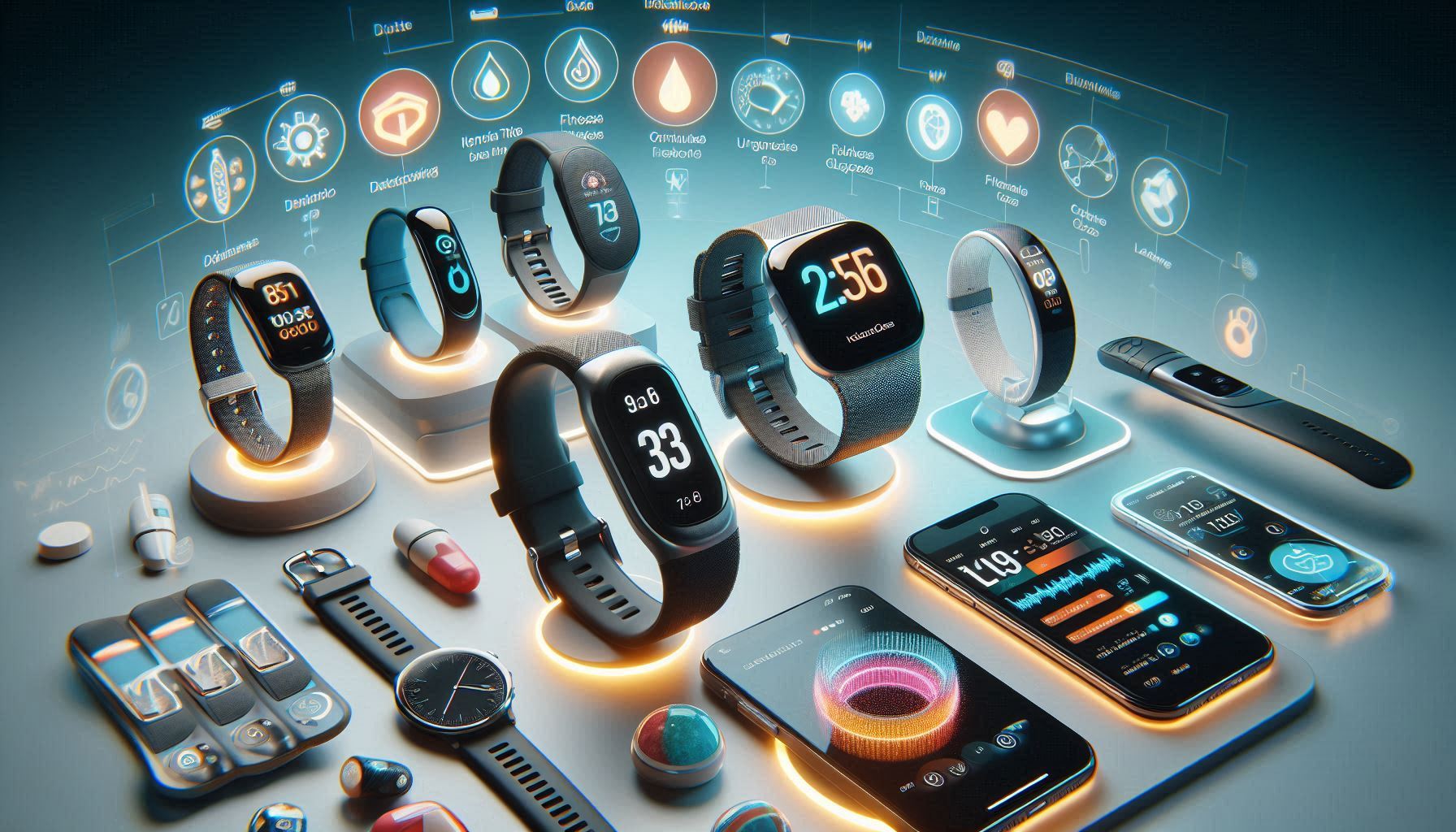
Welcome to Vertevia.com and our article on the Best Wearable For Diabetes Monitoring. Wearables for diabetes monitoring are totally changing how people track and manage blood sugar. Having real time data on your wrist or upper arm takes the guesswork out of daily routines, making it easier to recognize patterns and avoid severe lows or highs. In this super detailed look, I’m breaking down the top wearables for diabetes, what features matter, and some key tips to help you pick what fits your lifestyle best.
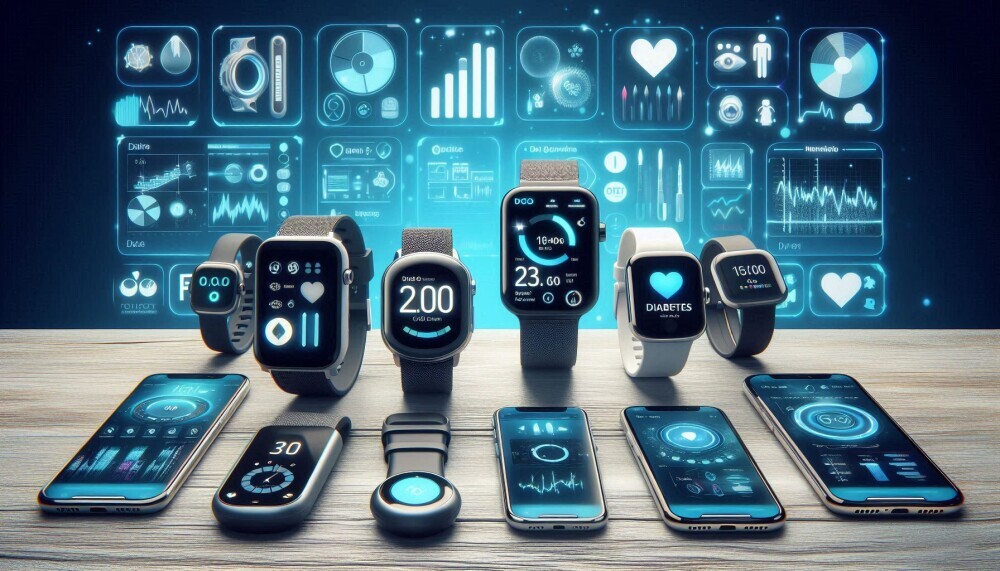
Why Wearable Diabetes Monitors Are Worth Considering
Living with diabetes every day is no small feat. Anything that makes it easier to track blood sugar discreetly can be a real boost, and wearables slip into daily life pretty seamlessly. They let you continuously monitor glucose without finger pricks, get alerts about highs and lows, and even share data with your care team or family if you need backup.
The rise of wearables for diabetes management matches major steps forward in sensor technology. Global diabetes tech is seeing a big surge, and continuous glucose monitoring (CGM) devices are being used by both Type 1 and Type 2 diabetics. This technology lets people make better decisions, track trends, and react quickly. All of which lead to better health and much less stress.
Wearable tech in diabetes has come a long way. Early blood sugar trackers gave just a single reading every few hours or after a manual test. Today’s devices can deliver updates every few minutes sent right to your phone or smartwatch. That’s really handy, whether you’re an athlete looking to avoid energy drops or just want to manage glucose without worrying about disruptive symptoms.
Popular Types of Diabetes Monitoring Wearables
There are three main categories when looking at diabetes wearables. Continuous glucose monitors (CGMs), smartwatches with glucose tracking apps and connected health patches. Each option brings something special depending on needs and personal preferences.
- Continuous Glucose Monitors (CGMs): These small sensors go on the skin (usually the stomach or arm) and read glucose levels in real time, sending updates to a separate reader, smartphone, or smartwatch.
- Smartwatches with Glucose Apps: Some smartwatches allow syncing with CGMs or manual blood glucose entry. With the right app, they keep logs of readings and warning alerts when something seems off.
- Connected Patches: Flexible patches that stick to the skin and measure glucose, relaying data either to your phone or a wearable display. These can be almost invisible, but might need replacing more often.
Best Features To Look For in Diabetes Wearables
Choosing your diabetes wearable depends on everyday routines, your budget, insurance, and how comfortable you are with tech. Here’s a list of the features I always double check while comparing devices:
- Real Time Tracking: Get updates every few minutes so you know what’s happening in your body.
- Customisable Alerts: Devices that vibrate, beep, or pop up notifications when readings leave your safe zone. Really useful for catching drops or spikes before they turn into problems.
- App Syncing: Using an app lets you store and graph out long term trends, making appointments with your doctor a lot easier.
- No Finger Prick Calibration: The best new sensors don’t need calibration, which saves time and reduces discomfort.
- Discreet and Comfortable: Look for wearables that aren’t bulky and can handle normal daily life, even if you get a little wet or jostled.
- Battery or Sensor Life: Longer sensor life means fewer changes and fewer things to keep an eye on.
For those new to diabetes tech, it’s good to check if the wearable’s display is easy to see, if there’s voice guidance, or if the instructions are simple to follow. Some models offer bonus features like medication reminders or evening alarm settings, which can help people who need a nudge to check their readings before bed, or catch hidden overnight glucose swings.
Getting Started With a Wearable Diabetes Monitor
Picking a wearable monitor might feel overwhelming at first. Breaking down the steps makes it more approachable. Here’s what you can expect:
- Pick Your Device: Some monitors need a prescription, while others are available over the counter. Consult your healthcare provider, who can recommend a good fit based on your diabetes type, age, and insurance plan.
- Set Up: Follow instructions for placing the sensor or patch. Certain devices have a warm up period (minutes to a few hours) before they provide correct readings.
- Connect to Your App or Display: Most modern wearables pair nicely with an app or sync to a reader or smartwatch. This is your dashboard, where you’ll see numbers, set up alerts, and check trends over time.
- Add Food or Medication Logs: Many apps let you record meals or medication, letting you get a holistic view of what’s affecting your blood sugar.
- Monitor and Adjust: Check your readings as much as you need. After a week, patterns start to show up and you learn what impacts your glucose the most.
If friends or family help with your care, some apps let them see your readings, too, giving peace of mind in tricky moments. It’s helpful for parents of kids, spouses, or older adults who might need someone to keep and eye on their numbers.
Potential Challenges and What To Watch Out For
Even though wearables are a huge help, there are some common hurdles and practical details to keep in mind before jumping in:
- Sensor Adhesion Problems: Exercising, sweating, or getting hot and sticky can loosen or peel off sensors. Hypoallergenic adhesive or an extra over patch helps them stay put.
- False Alarms or Data Lag: Sometimes, especially during rapid changes, devices may lag or misread levels. Staying hydrated and following instructions helps minimise issues.
- Expense and Insurance: CGMs and sensor systems can get pricey, but health insurance, Flexible Spending Accounts, or manufacturer programs often help with costs. It pays to compare options and ask for samples from your doctor or support group.
- Learning Curve: Trusting your device, tapping the right buttons, and reading the graphs can take a week to get used to, so patience goes a long way.
- Device Compatibility: Not all products sync smoothly with every smartphone or doctor’s online system. Always double check what works with your stuff before buying.
Sensor Comfort and Site Rotation
If you wear sensors in the same spot again and again, your skin will get sore or irritated. Rotating placement is important for readings and for comfort. Most sensors last 7 to 14 days before needing a replacement, so move the next one just an inch or two to keep your skin happy.
Accuracy and Daily Changes
Hydration, temperature, and pressure can throw off a CGM reading. If what your device shows doesn’t match how you feel, try a fingerstick as backup. Frequent mismatches should be discussed with your doctor to check for device issues or see if another system would work better for your body.
Best Wearables for Diabetes Monitoring: My Top Picks
1.Dexcom G7:
It’s easy to use, with real time updates to your phone or smartwatch. The sensor is slim and discreet, the alarms are customisable, and you can share data directly with your healthcare team.
2.Freestyle Libre 3:
This CGM features a tiny sensor that lasts up to 14 days, no finger pricks needed. Its app provides clear charts and you can set reminders as needed.
3.Medtronic Guardian Connect:
Especially helpful for those managing complex insulin regimens, this CGM warns you in advance of most lows so you can prevent episodes.
4.Eversense E3:
Implanted by a doctor, this CGM lasts a huge 180 days before a switch, so it’s perfect for those who want less frequent swaps and high convenience.
5.Apple Watch (plus a compatible glucose app):
Apple Watches can’t measure glucose alone but easily show data from Bluetooth enabled CGMs, letting you glance at readings anytime.
Each device has next level cool and useful features worth a look. Your choice depends on how often you want to swap sensors, whether you want real alarms or to just log numbers, and which products your doctor and insurance recommend. It’s always smart to ask for a demo if you’re unsure. Sometimes seeing one in action makes all the difference.
Real World Use: Everyday Tips for Getting the Most Out of Your Device
- Always clean and dry your skin well before applying a new sensor to help it stick longer.
- Keep notes in your app about major events. Diet, exercise, or medication. For clearer pattern tracking and better troubleshooting later.
- For swimming or heavy workouts, a waterproof patch over your sensor will give it some extra staying power.
- Download and take printouts of your trends to doctor visits. Having a clear record helps your team fine tune your routine.
- Stick out the first week. It can feel clunky at first, but you’ll soon get the hang of reading your numbers with ease.
Frequently Asked Questions
Check out answers to questions I get a lot about diabetes wearables:
How does a CGM work?
Answer: A CGM uses a teeny sensor under your skin to measure glucose in the fluid around your cells, then sends updates right to your reader, phone, or smartwatch every few minutes.
Do I still need to check my blood sugar with a fingerstick?
Answer: Most modern CGMs mean way fewer finger sticks, but sometimes (like right after new sensor placement or if symptoms don’t match readings) it’s smart to double check with a fingerstick.
How long does a sensor last?
Answer: Most sensors work for 7 to 14 days, though the Eversense E3 lasts an impressive 180 days before a doctor puts in a new one.
Can wearables help manage Type 2 diabetes?
Answer: Absolutely! While CGMs are standard for Type 1, more and more people with Type 2 diabetes are using them to spot how meals and exercise affect them, fine tune routines, and avoid big shifts.
Will my insurance cover CGMs or other diabetes wearables?
Answer: Many insurance plans cover at least part of the cost, especially with a doctor’s recommendation. Coverage varies, so it’s good to check with your provider and look into manufacturer programs for help.
Is it safe to exercise with a sensor or patch on?
Answer: Most current CGMs are water resistant and can handle sweat or rain. Heavy training or swimming? Use an extra adhesive patch to keep it secure.
Conclusion
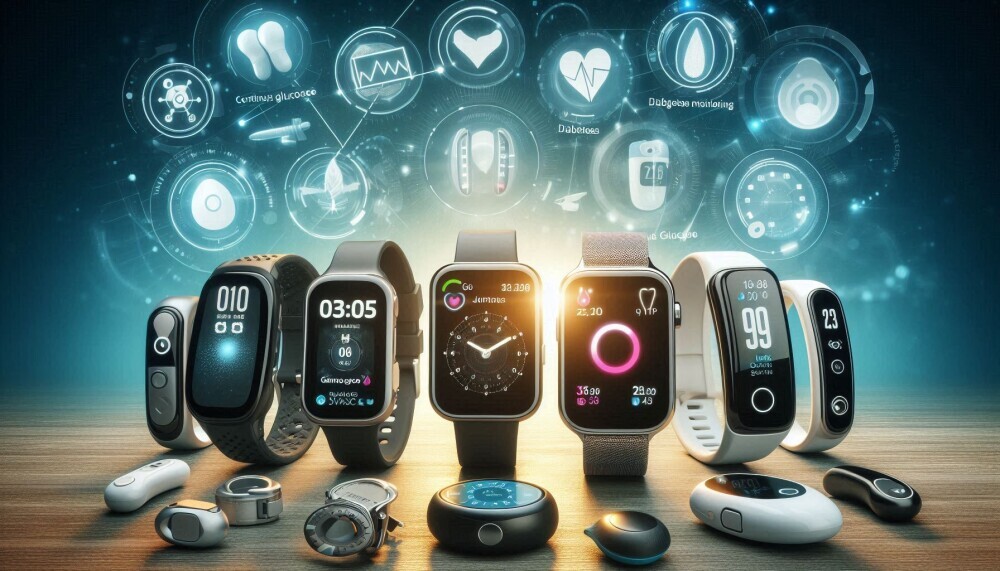
Finally, wearables have set free a new era for diabetes management, making it way easier to keep an eye on your blood sugar, catch trends, and adjust on the fly. Picking the right device takes a little research, but the convenience, comfort, and peace of mind they offer can be life changing for anyone dealing with diabetes day to day. If you’re thinking about making the switch, talk to your healthcare provider and see if a wearable could be the next step in your diabetes adventure.
Our Thanks!
We would like to express our sincere thanks to you for reading this article on the Best Wearable For Diabetes Monitoring. We hope that it has helped with your search for a suitable wearable device. Why not read our related articles which are titled Best 5 Wearables For Hypertension Patients, Can Wearable Health Tech Track Blood Sugar? and Best 6 Wearables For Managing Chronic Conditions.
Please let us know in the comments which type of wearable health tech device you are currently using or plan to buy in the future! The comments section is just underneath this article!
**Here is a bit of transparency. Our website www.vertevia.com does contain affiliate links and Amazon links. So, if you did make a purchase through the website, we may receive a small commission. This is at no extra cost to you whatsoever. It’s just a way for you to support us as we continue to bring you top quality content**
All the best!
Eamon